

FreeCAD Review What Designers And Engineers Need To Know Before Using It

In engineering and product design, choosing the right CAD software is critical. Many tools in this space are powerful but expensive, making them inaccessible for individuals, startups, and smaller teams.
This is where FreeCAD stands out.
FreeCAD is a free and open source CAD software that enables users to create detailed 2D drawings and 3D models. It addresses a major challenge in the industry. High quality CAD tools often require costly licenses, limiting access for many users. FreeCAD removes that barrier by offering professional level capabilities without cost.
The platform is designed for engineers, product designers, architects, and hobbyists who need a flexible modeling tool. It is especially valuable for those who want control, customization, and scalability without financial constraints.
What Is FreeCAD
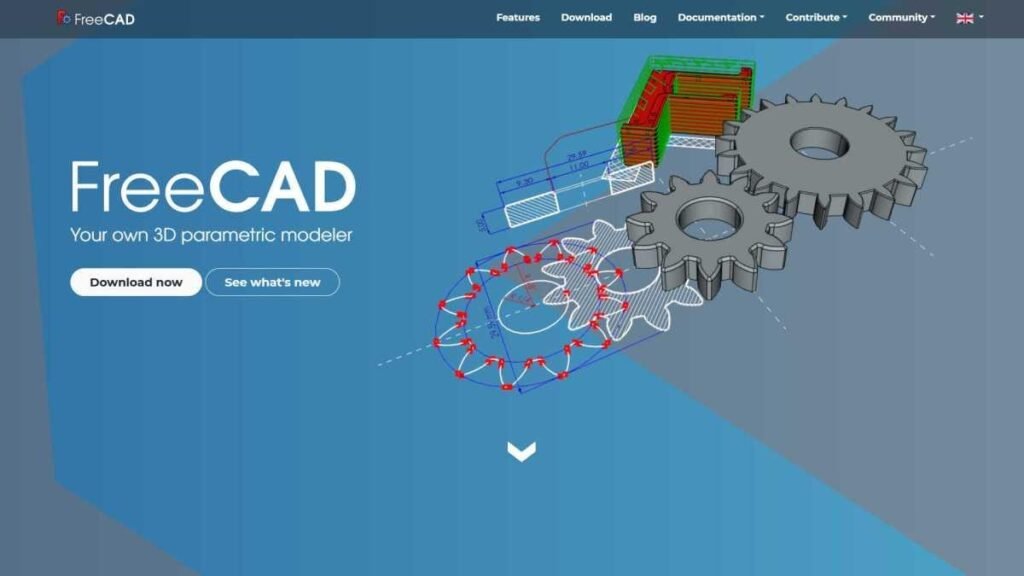

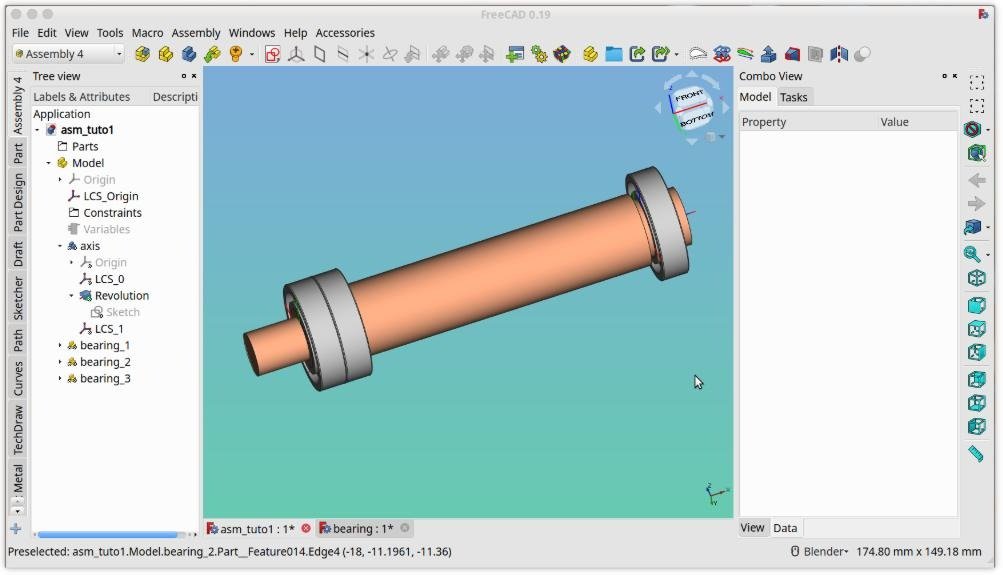
FreeCAD is a parametric 3D CAD modeling software used for designing real world objects. It allows users to build models where dimensions and constraints can be adjusted at any time, making design iterations more efficient.
The software was first released as an open source project and has grown through community contributions. It supports multiple operating systems including Windows, macOS, and Linux.
FreeCAD operates within the CAD and engineering software market, competing with both free and commercial tools. It is often considered an alternative to paid solutions, offering similar capabilities such as 3D modeling, simulation, and drafting.
Within the broader SaaS and software ecosystem, FreeCAD represents a different model. It is not subscription based. Instead, it is community driven and freely available, which makes it highly attractive for cost conscious users.
How FreeCAD Works
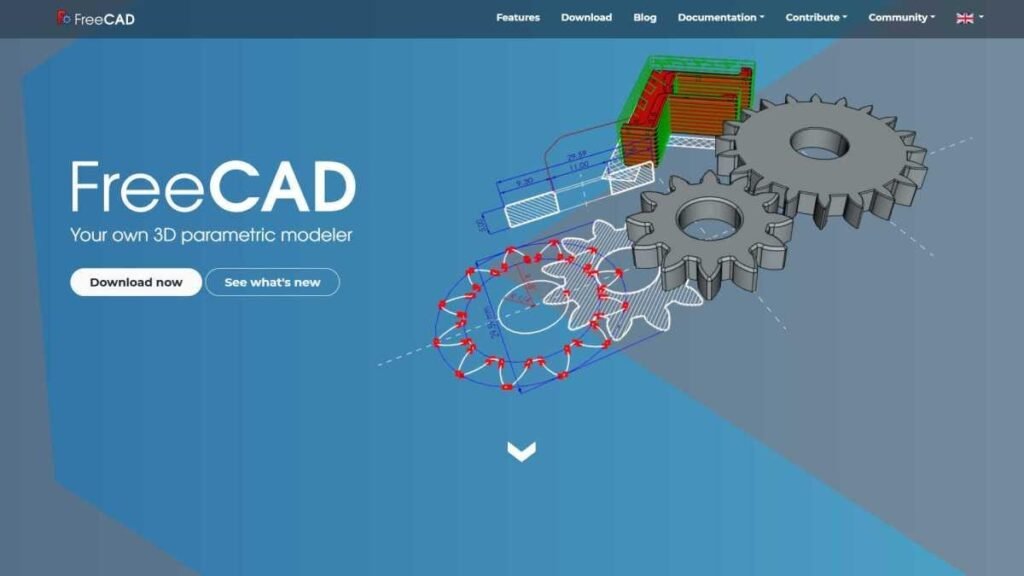
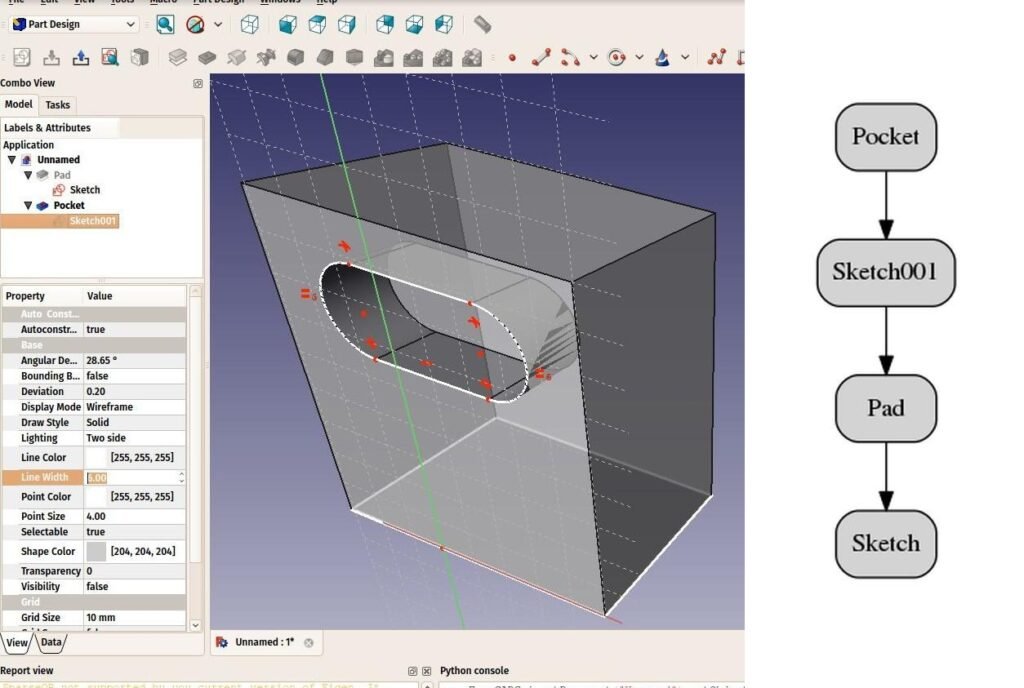
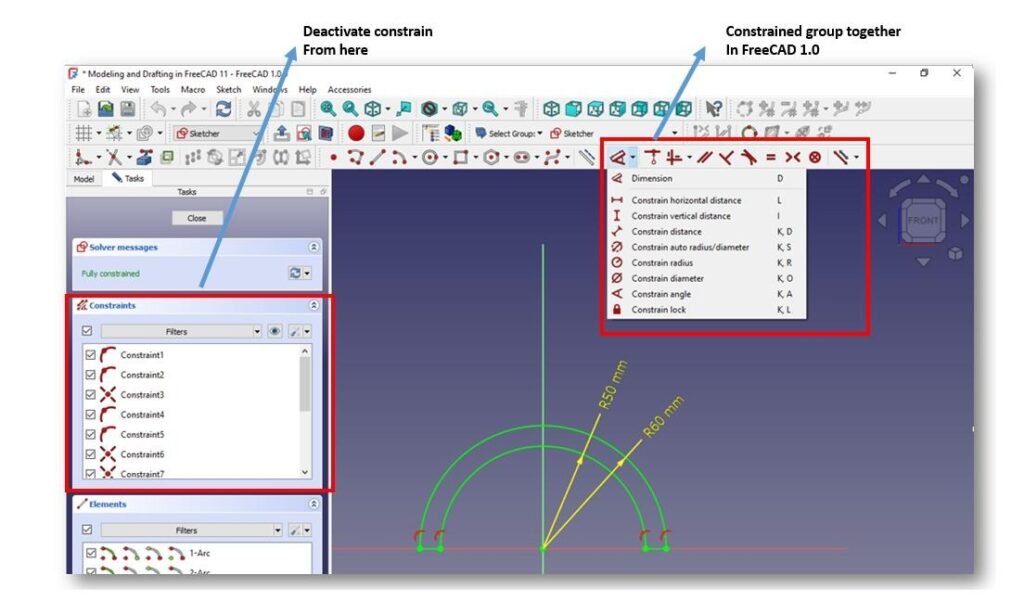
FreeCAD follows a parametric modeling workflow that allows precise control over designs.
First, users create a sketch. This is a 2D representation of the object using lines, arcs, and constraints. Constraints define relationships such as distances and angles.
Next, the sketch is transformed into a 3D model using operations such as extrusion or cutting. These features build upon each other in a structured design history.
Users can modify any step in the process. Because FreeCAD is parametric, changes automatically update the entire model. This makes iteration efficient and reduces errors.
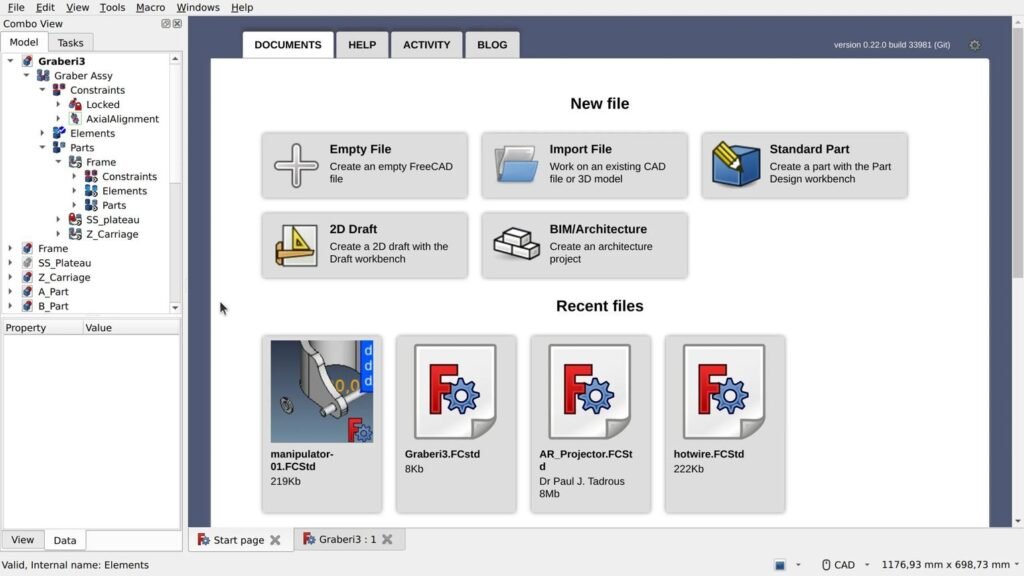
The software is organized into workbenches. Each workbench focuses on a specific function such as part design, assembly, or simulation. This modular structure allows users to switch tools depending on their needs.
Finally, designs can be exported in multiple formats such as STL, STEP, and IGES for manufacturing or 3D printing.
Core Features Overview
Parametric Modeling
Parametric modeling is the foundation of FreeCAD. Users can define relationships and constraints that control geometry. This allows quick changes without rebuilding models.
Modular Workbenches
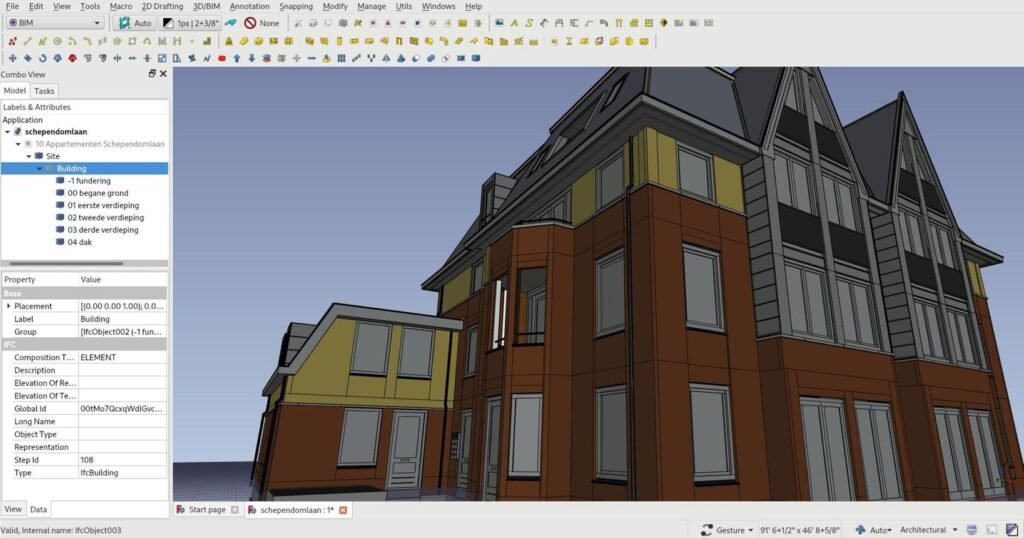
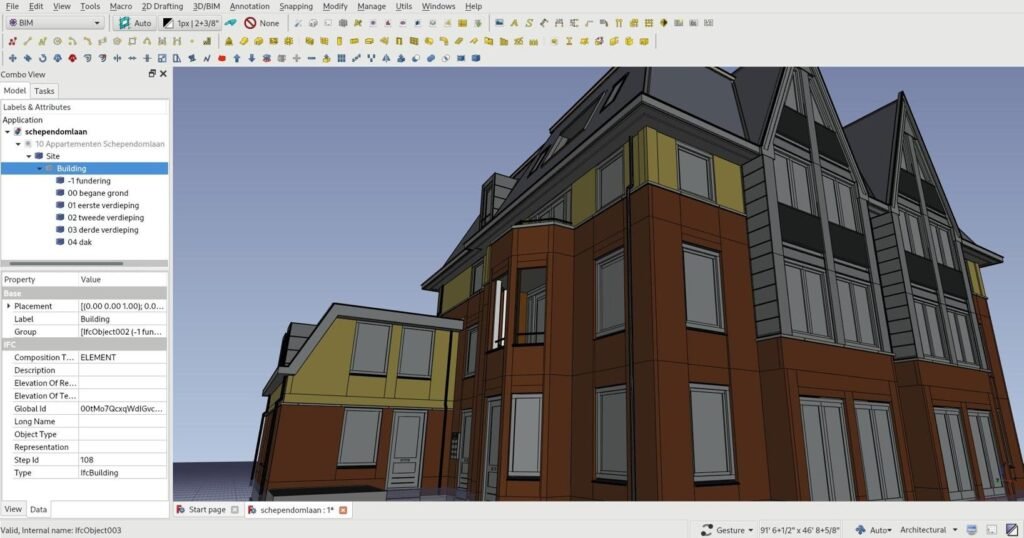
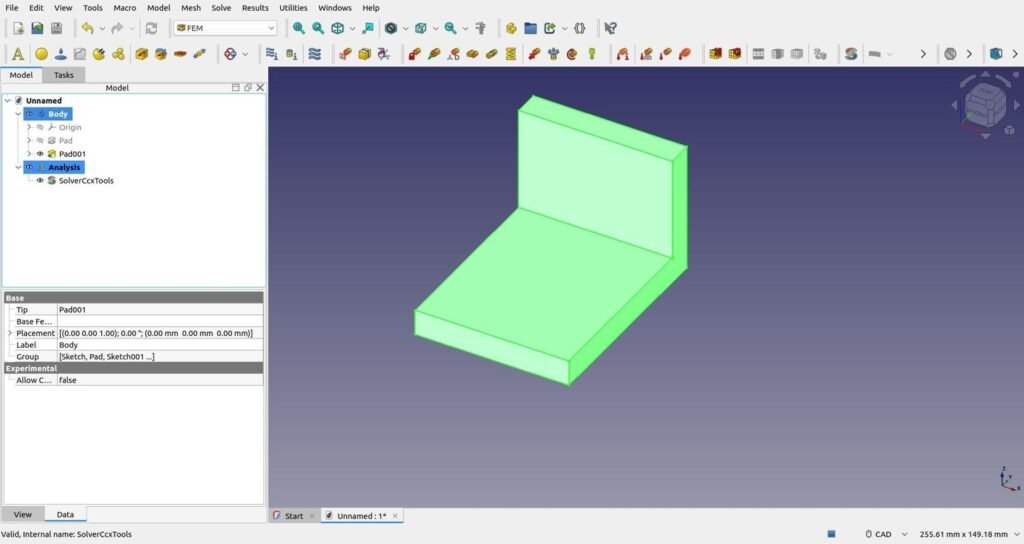
FreeCAD includes multiple workbenches such as Part Design, Sketcher, FEM, and BIM. Each workbench focuses on a specific workflow, making the platform flexible and extensible.
Simulation And Analysis
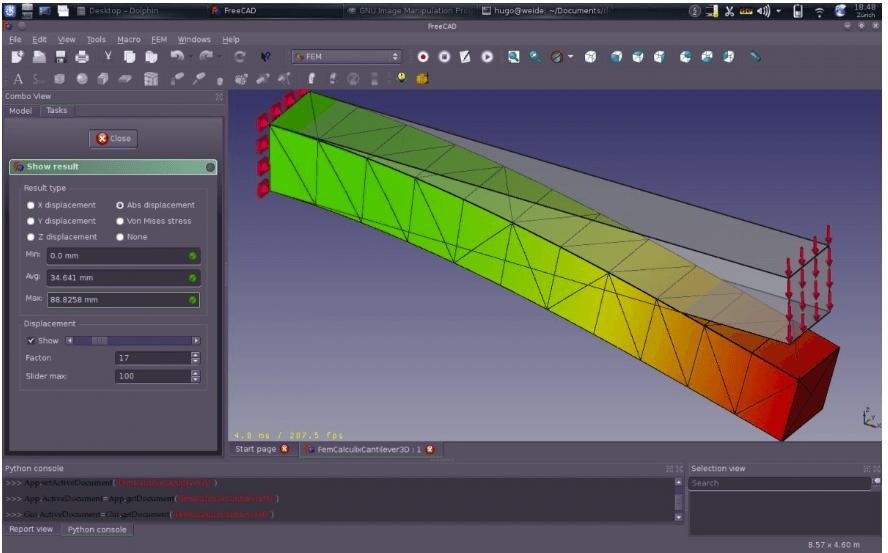
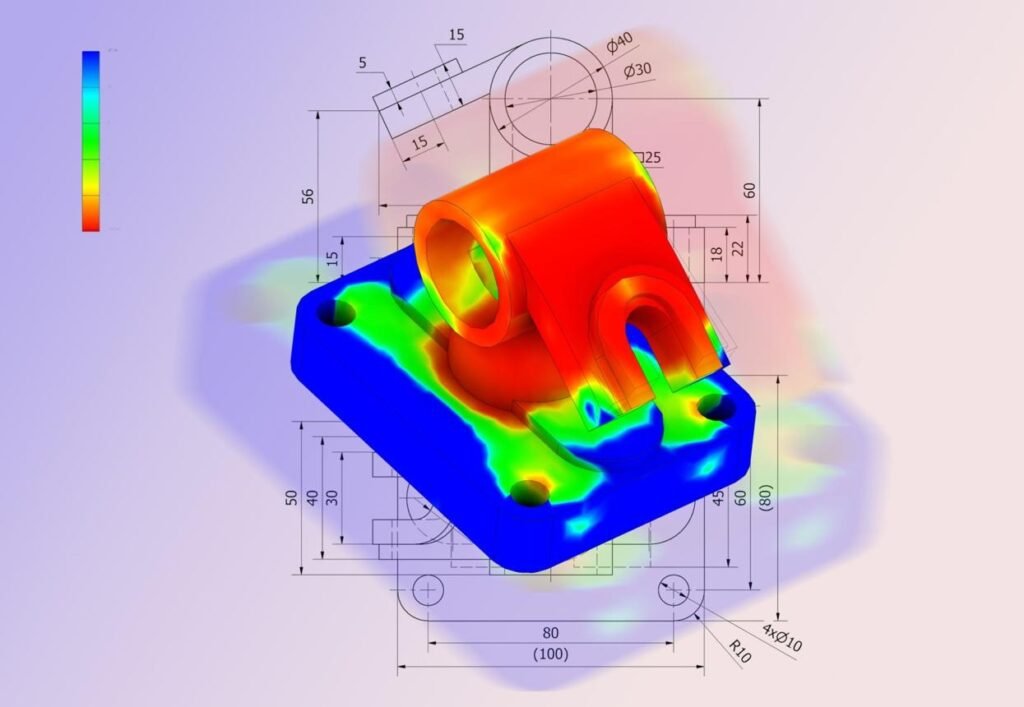
The software supports finite element analysis, allowing engineers to test stress and performance within the same environment.
Python Scripting And Customization
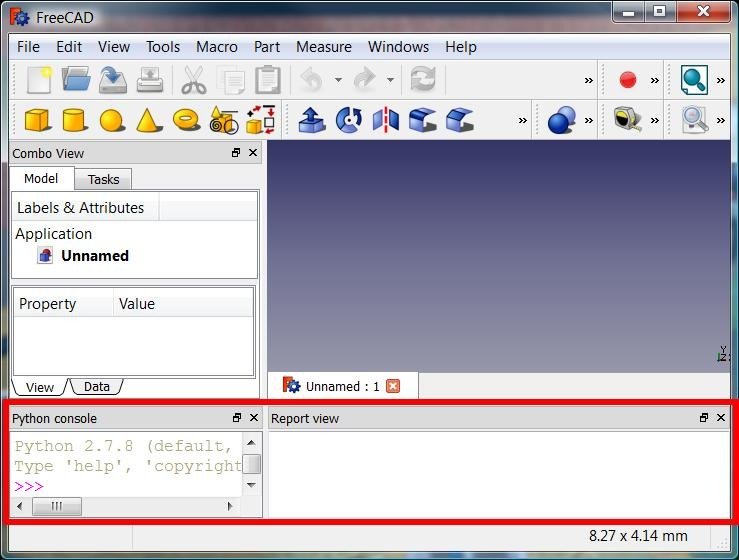
FreeCAD includes a Python API, enabling automation and customization. Advanced users can extend functionality or build custom workflows.
Key Benefits For Users
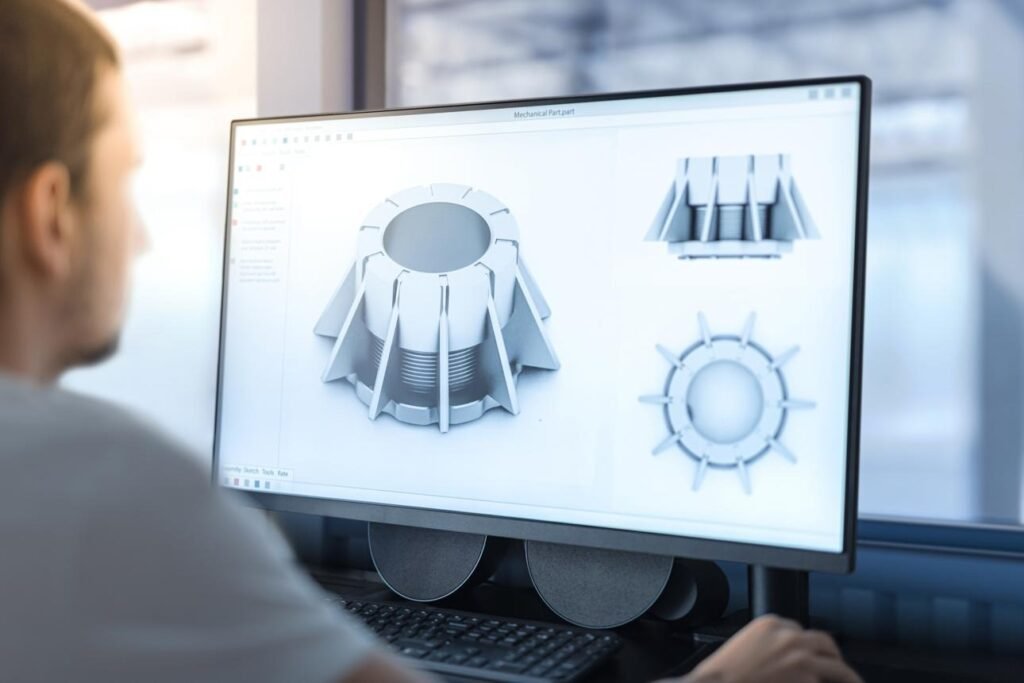

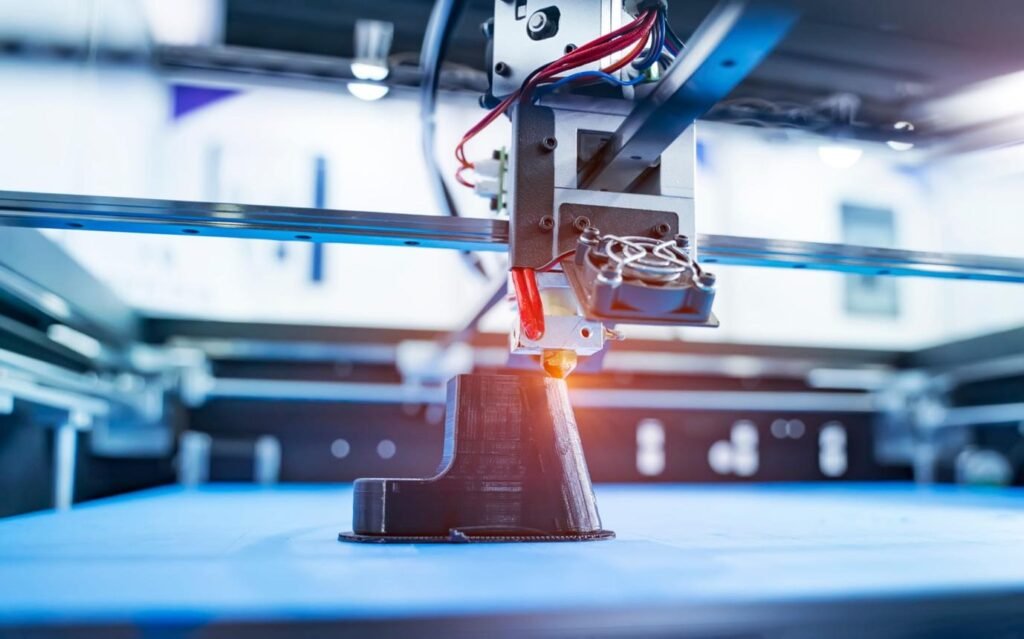
FreeCAD offers several strong advantages for designers and engineers.
The most obvious benefit is cost savings. It is completely free, which makes it accessible to individuals and organizations with limited budgets.
Flexibility is another key strength. The modular design allows users to adapt the software to different industries and workflows.
Customization is a major advantage. With Python scripting, users can automate tasks and extend capabilities beyond standard features.
FreeCAD also supports a wide range of use cases, from mechanical design to architecture and 3D printing.
Who Should Use This Software
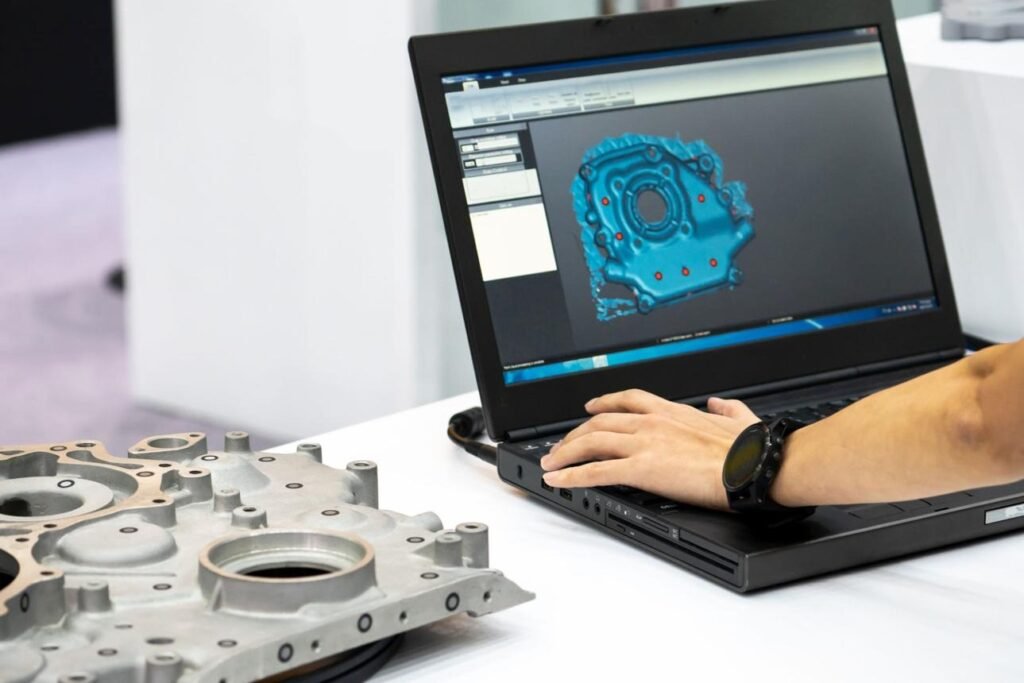
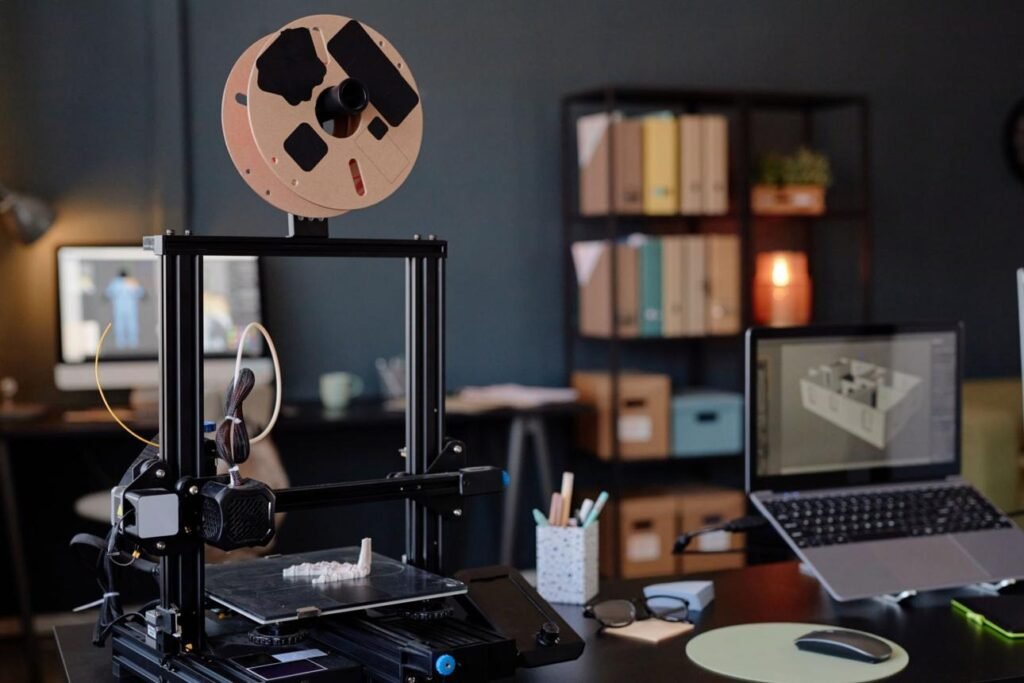
FreeCAD is suitable for several user groups.
Engineers can use it for mechanical design and simulation tasks.
Architects and planners benefit from its BIM capabilities.
Product designers and startups can create prototypes without investing in expensive software.
Hobbyists and makers use FreeCAD for 3D printing and personal projects.
However, large enterprises with highly complex workflows may require more advanced commercial tools.
Use Cases And Real World Scenarios
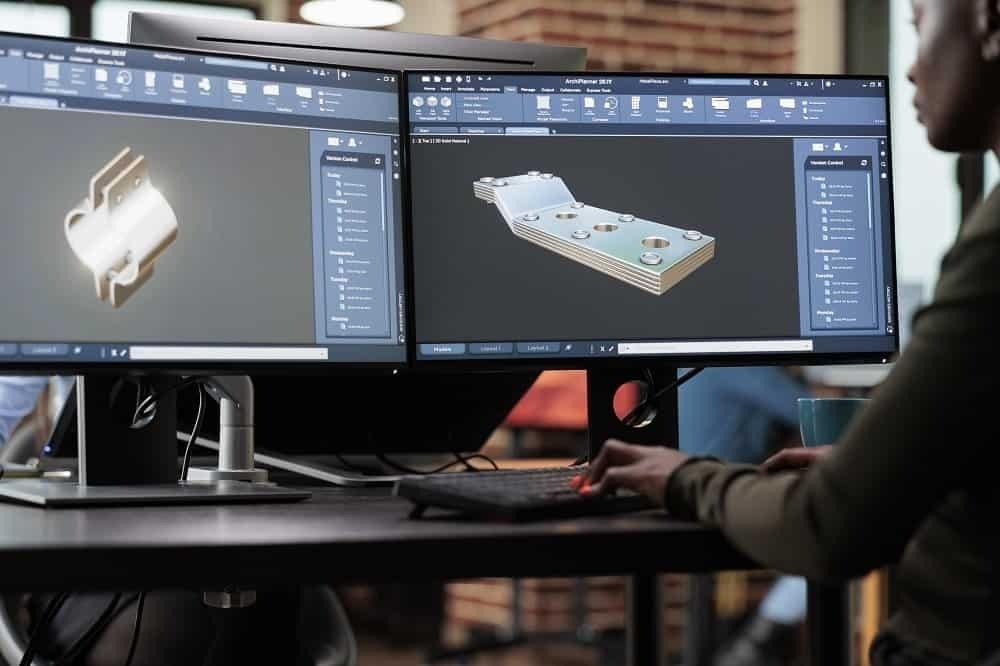
A product designer uses FreeCAD to create a prototype for a new device. They export the model for 3D printing and iterate based on testing.
An engineer performs stress analysis using the FEM workbench to ensure a component meets safety requirements.
An architect designs building layouts using BIM tools within FreeCAD.
A maker creates custom parts for a personal project, using parametric modeling to refine dimensions quickly.
User Experience And Interface
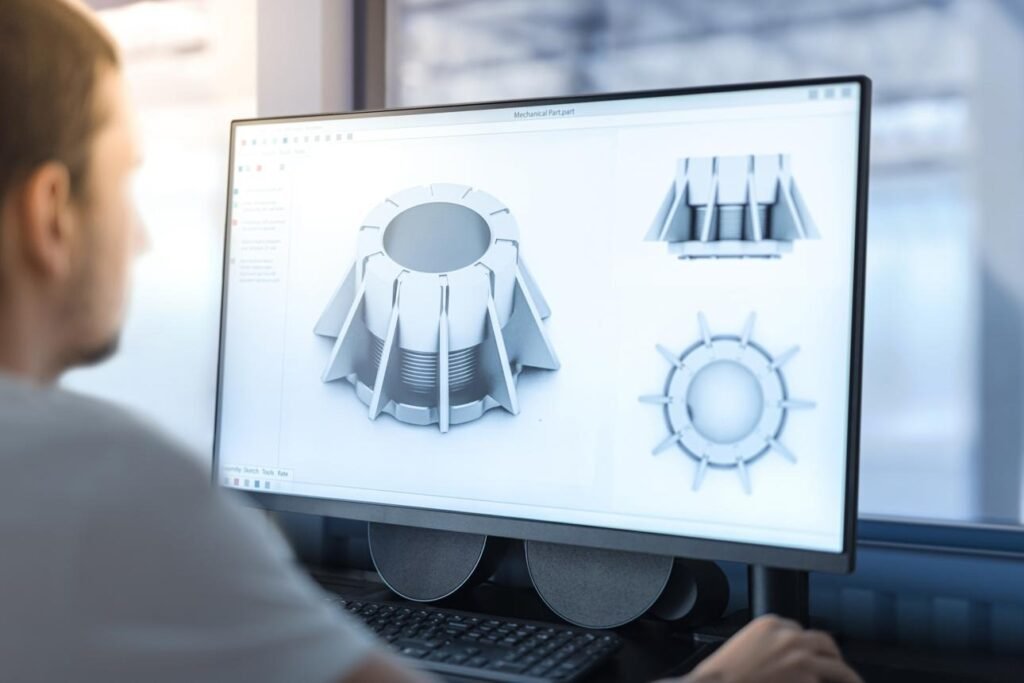
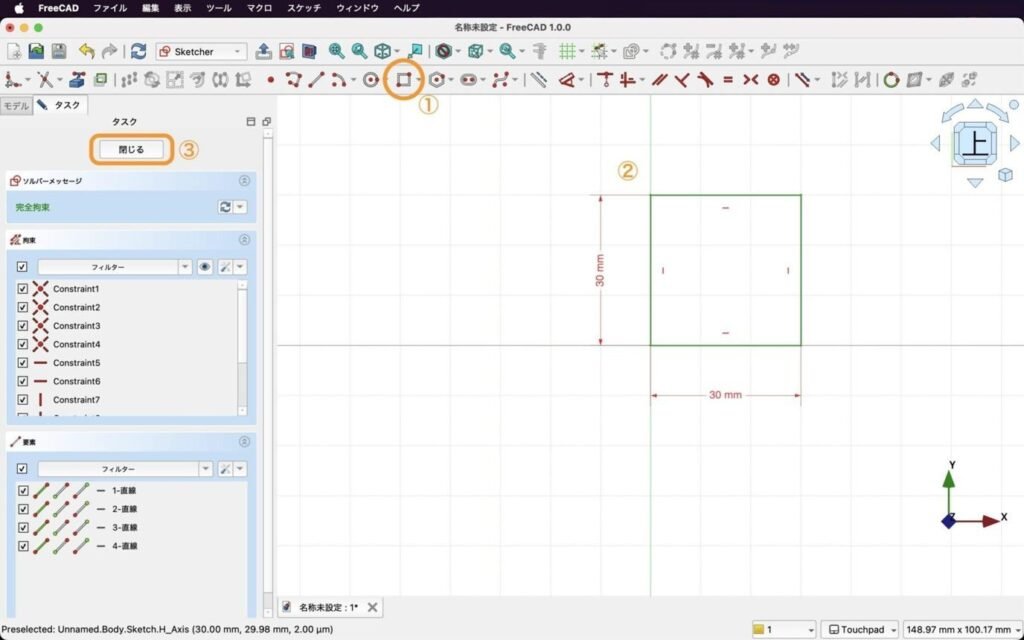
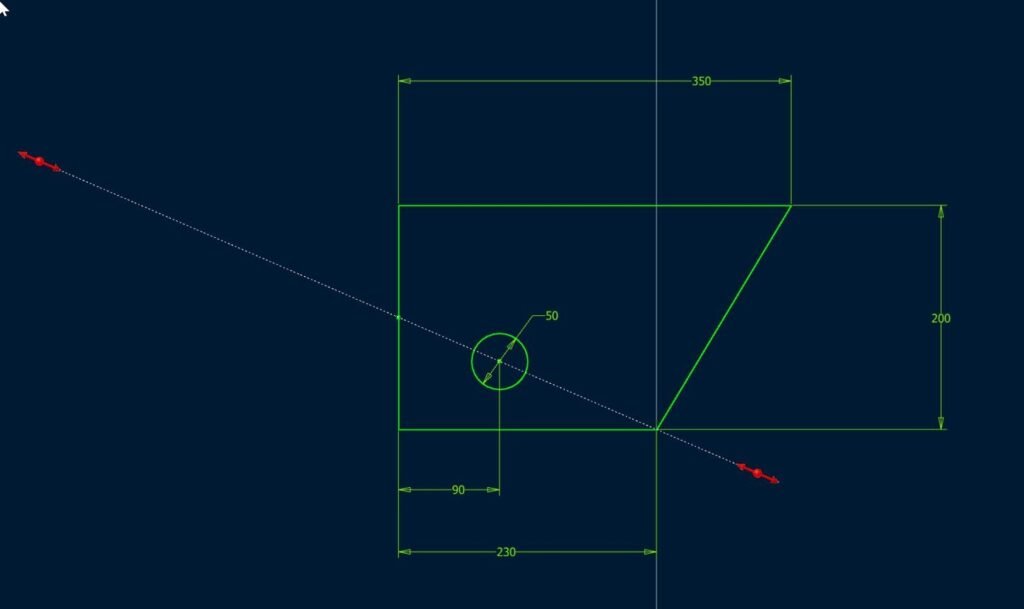
FreeCAD offers a functional but complex user interface.
The learning curve can be steep, especially for beginners. Many users report that mastering the software requires time and practice.
The interface is organized around workbenches, which can feel fragmented at first. However, this structure provides flexibility once users understand it.
Recent updates have improved usability and performance, but it still lacks the polish of premium CAD tools.
Pricing And Plans Overview
FreeCAD is completely free to use.
There are no subscription fees or licensing costs. The software is distributed under an open source license, allowing users to modify and share it.
From a value perspective, FreeCAD offers exceptional return. It delivers advanced CAD capabilities without financial investment.
However, users should consider the cost of time required to learn and implement the software effectively.
Pros And Cons
Pros
Completely free and open source
Powerful parametric modeling capabilities
Supports multiple industries and workflows
Highly customizable with Python scripting
Wide file format compatibility
Cons
Steep learning curve for new users
Interface can feel less polished
Performance may vary with complex models
Not always ideal for large scale enterprise workflows
Comparison With Similar Tools
FreeCAD competes with both open source and commercial CAD solutions.
Autodesk Fusion 360 is a popular commercial tool with a more polished interface and integrated cloud features. It is easier to learn but requires a subscription.
SolidWorks is widely used in professional engineering environments. It offers advanced features and reliability but comes with high licensing costs.
FreeCAD stands out by offering similar core functionality at no cost. However, it may lack the refinement and ecosystem of these commercial platforms.
Buying Considerations For Decision Makers

Decision makers should evaluate FreeCAD carefully.
Budget is a major advantage. The software eliminates licensing costs entirely.
Integration is important. Teams should ensure compatibility with existing workflows and file formats.
Adoption may require training due to the learning curve. Organizations should plan for onboarding.
Scalability depends on project complexity. While FreeCAD is capable, enterprise level requirements may demand additional tools.
Security Privacy And Compliance

FreeCAD operates as a locally installed application.
This means users retain full control over their data, which can enhance security and privacy.
As an open source tool, its code is transparent and can be audited by the community.
Organizations should still implement internal security policies to protect sensitive design data.
Support And Documentation
Support for FreeCAD is primarily community driven.
Users can access forums, documentation, and tutorials to learn the software.
There is no dedicated enterprise support unless provided by third party services.
While resources are widely available, the quality and structure may vary compared to commercial platforms.
Frequently Asked Questions
What Is FreeCAD Used For
FreeCAD is used for 3D modeling, engineering design, architecture, and 3D printing.
Is FreeCAD Really Free
Yes, it is completely free and open source with no licensing fees.
Is FreeCAD Good For Beginners
It can be used by beginners, but it has a steep learning curve.
Can FreeCAD Be Used Professionally
Yes, it is capable of professional work, although some industries prefer commercial tools.
Does FreeCAD Support 3D Printing
Yes, it supports exporting files like STL for 3D printing.
Final Verdict
FreeCAD is a powerful and flexible CAD solution that offers exceptional value.
It is best suited for individuals, startups, and teams that need a capable design tool without licensing costs.
Engineers and designers who are willing to invest time in learning the platform will find it highly rewarding.
However, organizations that require polished workflows, enterprise support, and seamless integration may prefer commercial alternatives.