
Beautiful AI Review What Professionals Should Know Before Subscribing

Creating professional presentations has always required time, design skills, and attention to formatting. Professionals often spend hours adjusting slide layouts, aligning elements, choosing fonts, and maintaining visual consistency.
For consultants, startup founders, marketing teams, and corporate managers, presentation quality directly affects credibility. Yet not everyone has access to a designer.
This is where beautiful ai enters the conversation.
In this beautiful ai review, we explore how the platform transforms presentation creation through artificial intelligence. Instead of manually designing slides, users focus on content while the system automatically handles layout and design rules.
The problem it solves is clear. Traditional tools like PowerPoint or Google Slides require design effort. Beautiful ai reduces friction by automating formatting and ensuring visual consistency.
It is built for business professionals who need polished presentations quickly and consistently.
What Is Beautiful AI

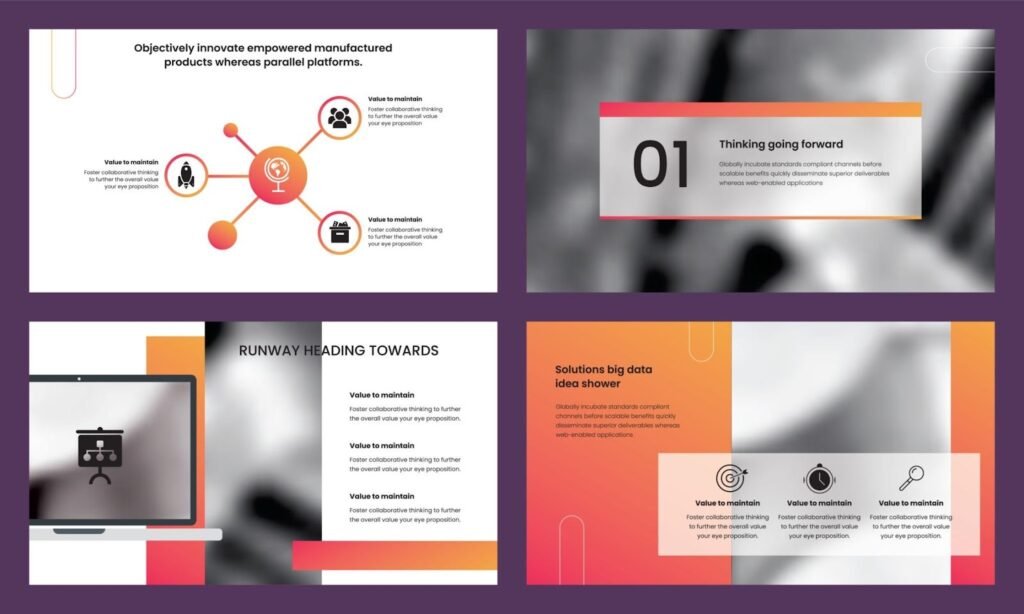
Beautiful.ai is a cloud-based AI presentation software platform designed to automate slide design. Unlike traditional presentation tools, it uses “smart templates” that adapt dynamically as users add content.
Within the broader SaaS ecosystem, beautiful ai operates in the AI productivity and design automation category. It combines presentation software with artificial intelligence to enforce layout rules automatically.
Rather than offering complete creative freedom like traditional slide tools, beautiful ai prioritizes structure, consistency, and professional polish.
For many professionals, it acts as a design assistant built directly into the presentation workflow.
How Beautiful AI Works
Understanding how beautiful ai works helps professionals evaluate whether it aligns with their workflow.
Step One Select A Smart Template
Users begin by selecting from a library of professionally designed smart slide templates. These are not static designs. They adjust automatically based on the content added.
Step Two Add Content
As text, charts, or images are added, the layout automatically rearranges itself to maintain visual balance.
Step Three Customize Branding
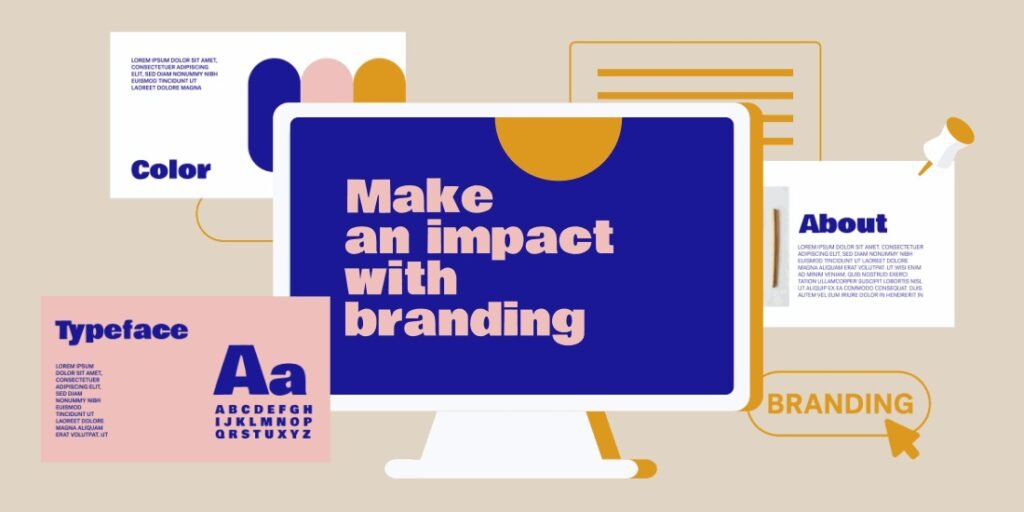
Users can apply brand colors, fonts, and logos to maintain consistency across all presentations.
Step Four Share Or Export
Presentations can be shared via link, presented live, or exported in formats such as PowerPoint or PDF.
The workflow eliminates repetitive formatting tasks, allowing professionals to focus on messaging rather than design mechanics.
Core Features Overview

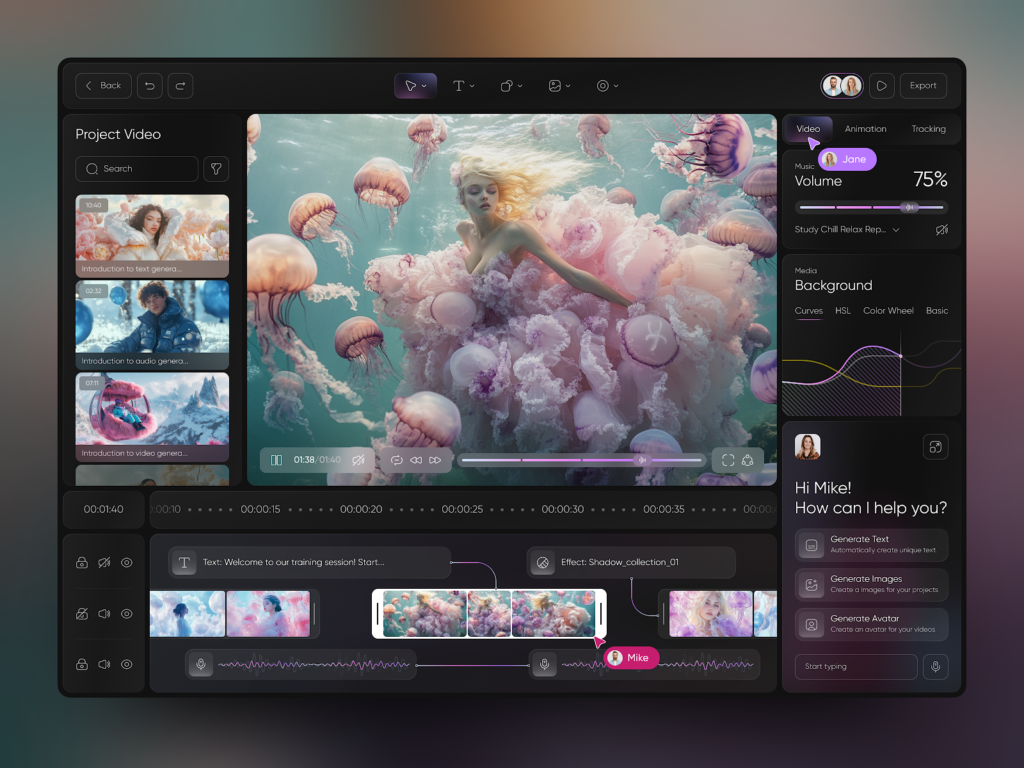
Beautiful ai includes several features designed for business environments.
Smart Slide Technology
Slides automatically adjust as content changes.
Why it matters: Prevents design inconsistencies and saves editing time.
Brand Control And Themes
Teams can create brand kits with preset fonts, colors, and logos.
Why it matters: Ensures corporate identity remains consistent across departments.
Built In Analytics
Users can track presentation views and engagement.
Why it matters: Sales teams gain insight into how prospects interact with pitch decks.
Collaboration Tools
Multiple team members can work on presentations simultaneously.
Why it matters: Improves workflow efficiency for distributed teams.
Each feature addresses a common pain point in professional presentation creation.
Key Benefits For Professionals
Professionals evaluate tools based on productivity gains and output quality.
Time Efficiency
Beautiful ai reduces hours spent formatting slides manually.
Professional Visual Quality
Even non designers can create polished, investor ready presentations.
Consistency Across Teams
Brand kits maintain uniformity in client facing materials.
Improved Communication
Clear, well designed slides enhance message clarity and audience engagement.
Scalable Presentation Creation
Agencies and enterprises can produce multiple decks efficiently.
The primary benefit is intelligent automation without sacrificing professionalism.
Who Should Use This Software
Beautiful ai is particularly suited for the following users.
Startup Founders
Pitch decks for investors require clean, structured storytelling.
Consultants
Client presentations need visual consistency and fast turnaround.
Sales Teams
Sales representatives benefit from analytics and shareable links.
Marketing Departments
Campaign presentations and reports require brand alignment.
Corporate Managers
Internal strategy updates and board presentations demand professionalism.
While professional designers may still use advanced design tools, beautiful ai supports fast and scalable business communication.
Use Cases And Real World Scenarios


Scenario One Startup Fundraising
A founder prepares an investor pitch deck. Instead of spending days adjusting slide alignment, beautiful ai formats the deck automatically.
Result: Faster preparation and polished visual impact.
Scenario Two Sales Outreach
A sales manager shares a proposal deck with a client. Built in analytics show which slides were viewed most.
Result: Data driven follow up conversations.
Scenario Three Internal Corporate Reporting
A department head prepares quarterly results. Brand consistency remains intact without manual design oversight.
Result: Professional and uniform reporting.
These examples highlight how beautiful ai integrates into everyday business workflows.
User Experience And Interface
Ease of use is one of the strongest aspects of beautiful ai.
The interface is clean and intuitive. Smart slides prevent layout errors. The drag and drop functionality feels familiar to users of traditional presentation software.
Because the platform is cloud based, users can access presentations from any device with internet access.
The learning curve is minimal. Most professionals can create their first presentation within minutes.
However, some advanced customization options are intentionally limited to preserve layout integrity.
Pricing And Plans Overview
Beautiful ai offers tiered subscription plans designed for individuals and teams.
Individual plans typically include core smart slide features and export options.
Team and enterprise plans often include brand management tools, collaboration features, and advanced analytics.
Professionals should evaluate:
- Number of users required
- Brand control needs
- Export format requirements
- Presentation analytics importance
Compared to hiring designers or spending hours formatting slides, beautiful ai often provides a cost effective solution for businesses that create frequent presentations.
Testing through a free trial can help assess workflow compatibility.
Pros And Cons
A balanced beautiful ai review includes both strengths and limitations.
Pros
Automated slide formatting
Professional design quality
Strong brand consistency features
Built in analytics for engagement tracking
Collaboration friendly
Cons
Limited deep design customization
Requires internet access
May feel restrictive for highly creative users
For professionals prioritizing efficiency and consistency, the advantages often outweigh the limitations.
Comparison With Similar Tools
Beautiful ai competes with presentation platforms like:
- Canva (presentation and design flexibility)
- Microsoft PowerPoint (traditional slide control)
- Google Slides (collaborative simplicity)
Compared to PowerPoint and Google Slides, beautiful ai emphasizes automation rather than manual control.
Compared to Canva, beautiful ai is more structured and business focused, prioritizing presentation logic over creative freedom.
Professionals should choose based on their need for control versus automation.
Buying Considerations For Decision Makers
Before subscribing to beautiful ai, decision makers should evaluate:
Presentation Volume
High frequency presenters gain the most value.
Brand Governance
Enterprises requiring strict brand compliance benefit from built in brand kits.
Collaboration Needs
Distributed teams require real time editing capabilities.
Analytics Importance
Sales teams may benefit from tracking engagement metrics.
A short trial period can help determine if beautiful ai integrates smoothly with existing workflows.
Security Privacy And Compliance
Since presentations often contain sensitive business information, security is critical.
Professionals should review:
- Data storage policies
- Access control features
- Sharing permissions
- Enterprise compliance options
Cloud based architecture requires secure account management and password hygiene.
For regulated industries, reviewing compliance documentation is recommended before adoption.
Support And Documentation
Reliable support enhances user confidence.
Beautiful ai provides:
- Help center articles
- Tutorial guides
- Customer support channels
- Enterprise onboarding support
For teams working under tight deadlines, responsive assistance is particularly valuable.
Community examples and template inspiration also help professionals maximize design quality.
Final Verdict
This beautiful ai review demonstrates that the platform is a powerful productivity tool for modern professionals.
Its strengths lie in intelligent automation, consistent branding, and ease of use. For consultants, founders, sales teams, and corporate managers, beautiful ai offers a streamlined way to produce polished presentations without design expertise.
It may not replace advanced design tools for creative professionals seeking full customization. However, for business communication and scalable presentation production, beautiful ai provides meaningful value.
For professionals in Tier One markets seeking efficiency, consistency, and professional credibility, beautiful ai represents a practical and forward looking investment.
Frequently Asked Questions
Is Beautiful AI Suitable For Large Enterprises
Yes. Team and enterprise plans support brand management and collaboration features.
Can Beautiful AI Replace PowerPoint
It can replace it for many business users, but advanced designers may still prefer traditional tools for complex layouts.
Does Beautiful AI Offer Analytics
Yes. Certain plans include presentation engagement tracking.
Is Beautiful AI Beginner Friendly
Yes. The interface is intuitive and designed for non designers.
Can Beautiful AI Maintain Brand Consistency
Yes. Brand kits allow organizations to enforce consistent visual identity.