
Canva AI Review What Creators and Businesses Should Know

Design is no longer limited to professional graphic designers. Today, creators, marketers, founders, and small business owners are expected to produce high quality visuals at scale. Social media posts, presentations, ads, pitch decks, videos, and branded assets are part of daily operations. This growing demand has made AI powered design tools essential rather than optional.
That is where canva ai enters the conversation.
In this Canva AI review, we explore how artificial intelligence enhances the Canva ecosystem, what problems it solves for creators and businesses, and whether it delivers real value for professionals in the United States, United Kingdom, Canada, and Australia.
Many teams struggle with time constraints, limited design skills, and tight budgets. Canva AI aims to remove these barriers by automating design suggestions, generating content, resizing layouts, and even creating images from text prompts.
If you are researching AI design platforms for marketing, branding, or internal communications, this guide will help you evaluate whether canva ai fits your workflow.
What Is Canva AI
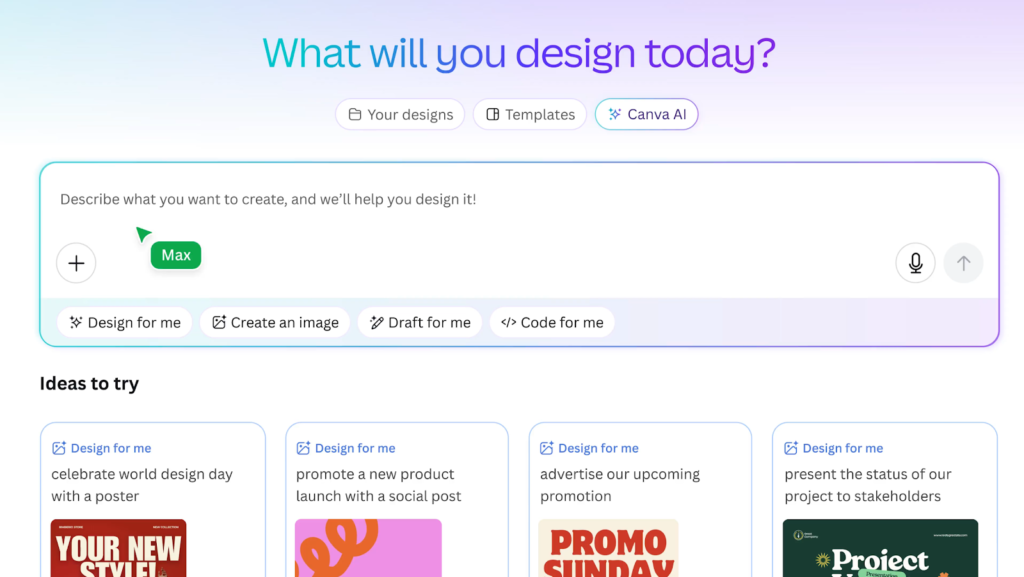
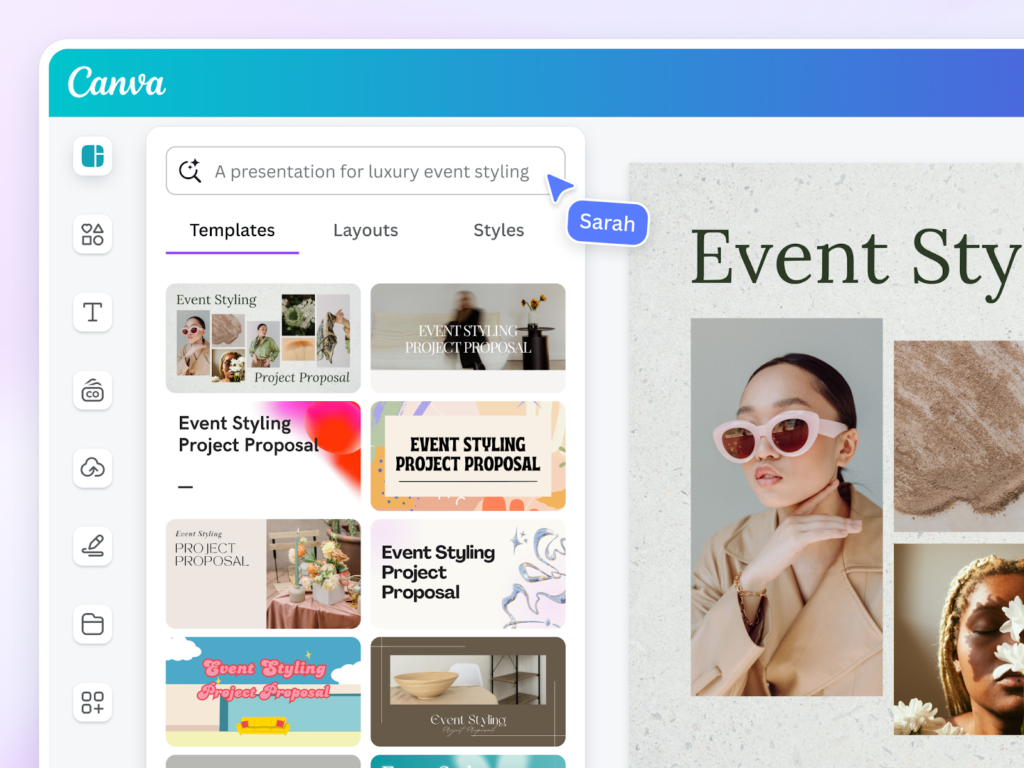
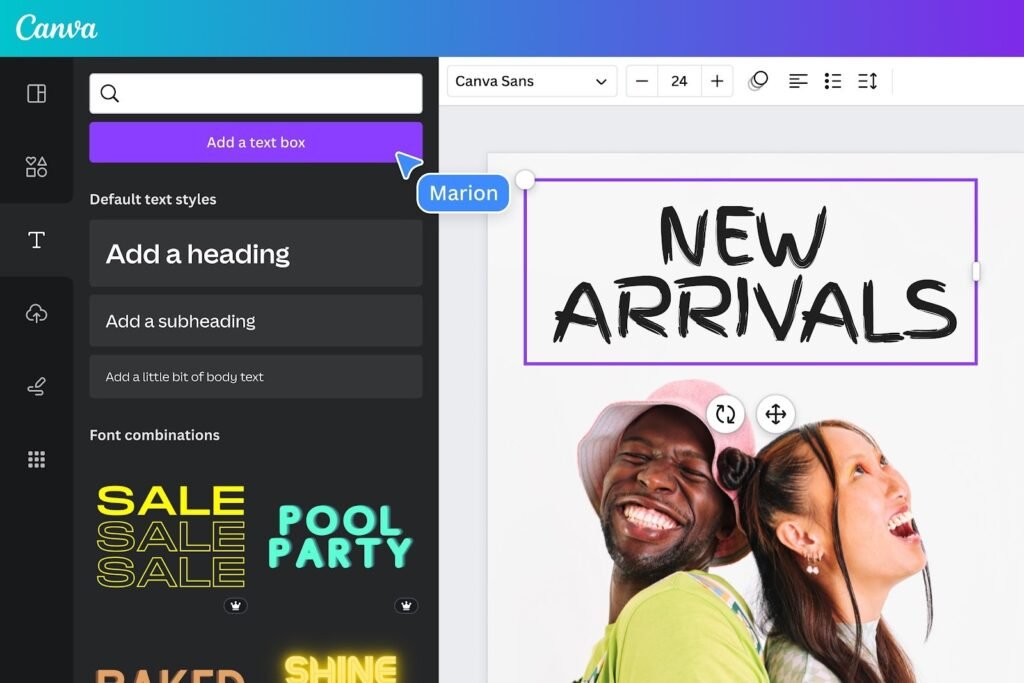
Canva AI refers to the suite of artificial intelligence features built into Canva. Rather than being a standalone product, canva ai enhances the existing Canva design platform with automation, generative design, and smart editing tools.
Canva began as an accessible design platform for non designers. Over time, it evolved into a comprehensive creative suite used by individuals, startups, enterprises, and educational institutions. With the introduction of AI powered tools, Canva expanded beyond templates into intelligent content generation.
Within the broader SaaS and creative technology landscape, canva ai competes with platforms like Adobe and its AI features inside Adobe Firefly, as well as AI image tools such as OpenAI products.
Canva AI is positioned as accessible, user friendly, and deeply integrated into everyday design workflows.
How Canva AI Works
Understanding how canva ai works helps reduce friction and clarify real world usage.
Step One Create Or Open A Design
Users start by selecting a format such as social media post, presentation, flyer, or video. Canva provides pre sized templates for common platforms.
Step Two Activate AI Features
Within the editor, users can access AI tools like Magic Design, Magic Write, background remover, text to image generation, and automatic layout suggestions.
Step Three Provide Prompts Or Content
For example, a marketer can input a short description of a campaign and request design suggestions. A business owner can paste rough copy and ask the AI to refine the messaging.
Step Four Customize And Publish
After AI generates drafts or visuals, users can adjust colors, fonts, branding elements, and layout. Final assets can be downloaded or shared directly to social channels.
The daily workflow is simple. Prompt, generate, refine, publish.
Core Features Overview
Magic Design
Magic Design generates complete layouts based on a short prompt or uploaded content.
Why It Matters
It eliminates blank page anxiety and provides instant creative direction for campaigns or presentations.
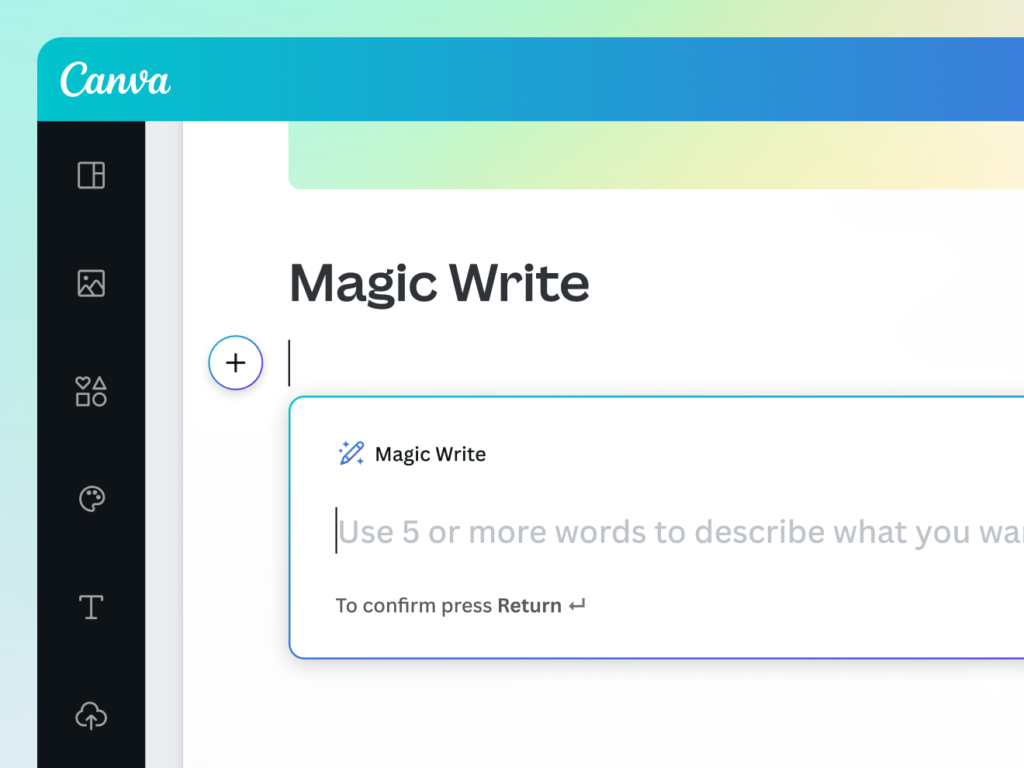
Magic Write
Magic Write is an AI writing assistant embedded within Canva Docs and designs.
Why It Matters
Creators can draft captions, product descriptions, email copy, and presentation scripts without switching tools.
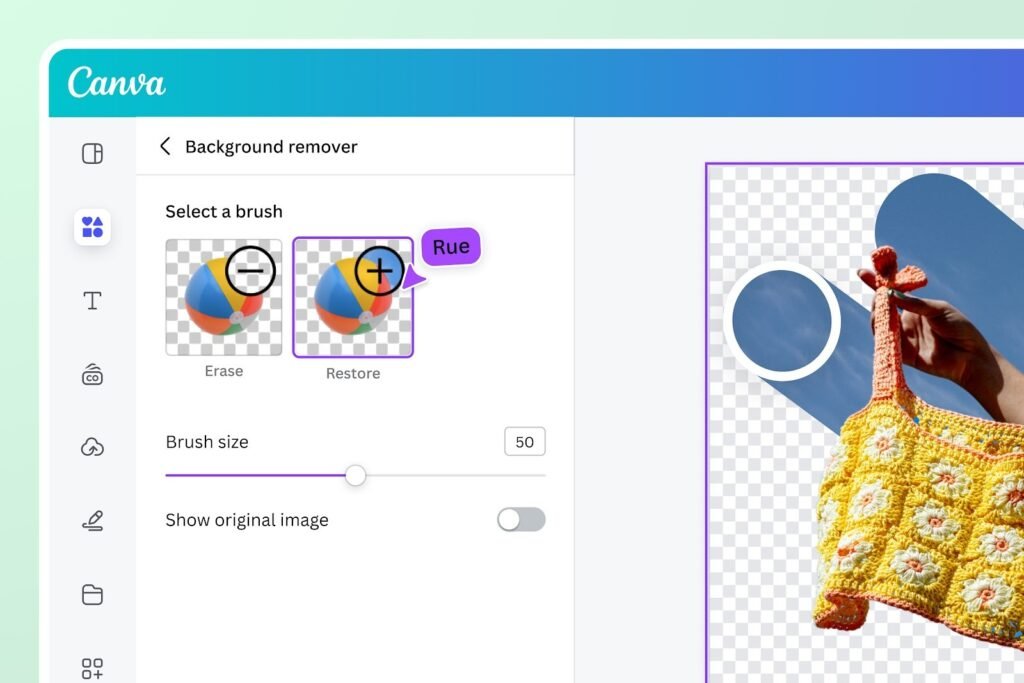
Background Remover
This tool automatically removes image backgrounds with one click.
Why It Matters
It saves time and removes the need for complex photo editing software.
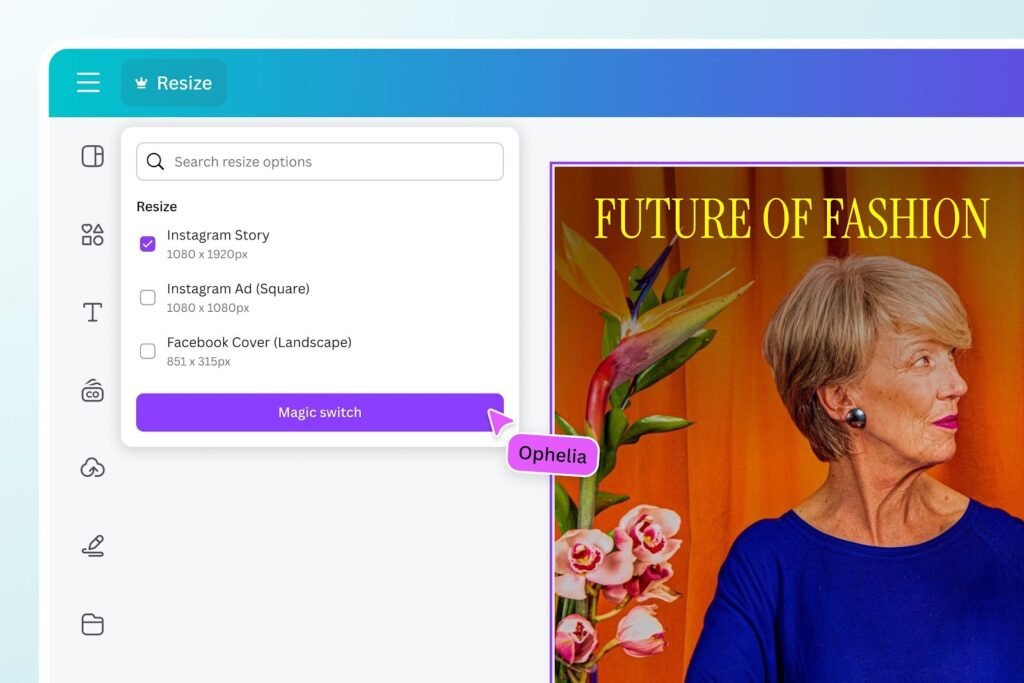
Magic Resize
Magic Resize converts one design into multiple formats such as Instagram posts, LinkedIn banners, or presentation slides.
Why It Matters
Businesses managing multi channel marketing can scale content quickly.
Text To Image
Users can generate original images from descriptive prompts.
Why It Matters
Brands can create custom visuals without relying solely on stock photography.
Together, these features transform Canva from a template editor into a full AI powered creative suite.
Key Benefits For Users
The value of canva ai lies in measurable outcomes rather than feature lists.
Time Efficiency
AI accelerates design creation. Marketing teams can produce more assets in less time.
Lower Design Costs
Small businesses can reduce reliance on external designers for routine graphics.
Consistent Branding
Brand kits combined with AI suggestions ensure visuals stay aligned with company identity.
Accessibility
Non designers gain the confidence to create polished visuals without advanced training.
For growing companies, these benefits directly impact productivity and campaign velocity.
Who Should Use This Software
Canva AI is ideal for:
Content Creators
YouTubers, bloggers, influencers, and podcasters who need thumbnails, social posts, and promotional graphics.
Small And Medium Businesses
Entrepreneurs managing their own marketing materials.
Marketing Teams
Teams producing high volumes of ads, presentations, and branded content.
Educators And Trainers
Professionals creating visually engaging teaching materials.
Large enterprises can also benefit, especially when brand consistency across departments is critical.
Use Cases And Real World Scenarios
A startup founder in the United States can use canva ai to create investor pitch decks quickly, generating slide layouts and refining messaging with Magic Write.
A digital marketing agency in the United Kingdom might use Magic Resize to adapt one campaign across Instagram, Facebook, LinkedIn, and display ads.
A retail business in Canada could generate product mockups using text to image tools to test creative concepts before launching.
An online educator in Australia may design course slides, worksheets, and promotional graphics without hiring a designer.
In each case, canva ai acts as a creative accelerator rather than a replacement for strategy.
User Experience And Interface
Canva is known for its intuitive drag and drop interface. AI features are seamlessly embedded within the existing editor.
Navigation is clean. Tools are clearly labeled. Most users can start generating AI assisted designs within minutes.
The learning curve is minimal compared to professional design software. Accessibility is strong since the platform runs in a web browser and supports collaboration in real time.
For teams, shared folders and brand kits enhance workflow efficiency.
Pricing And Plans Overview
Canva offers multiple tiers including a free plan and paid subscriptions.
The free version includes limited AI capabilities and templates. Paid plans unlock advanced AI tools, brand kits, team collaboration features, and expanded asset libraries.
For individual creators, entry level plans often provide sufficient functionality. Businesses and agencies typically benefit from team plans that support shared assets and administrative controls.
From a value perspective, canva ai offers competitive pricing compared to enterprise design suites.
Pros And Cons
Pros
User friendly interface
Integrated AI writing and design tools
Strong template library
Affordable compared to traditional design software
Scalable for teams
Cons
Advanced customization may be limited compared to professional design suites
Heavy reliance on templates can reduce originality if not customized
Some AI features are restricted to paid plans
A balanced evaluation shows that canva ai prioritizes accessibility over complex professional level editing.
Comparison With Similar Tools
Canva AI competes with:
- Adobe Creative Cloud tools
- Adobe Firefly for generative image creation
- Figma for collaborative design
Compared to Adobe, Canva AI is easier to use and more accessible for non designers. Adobe offers deeper control and advanced features for professional designers.
Compared to Figma, Canva focuses more on marketing visuals and templates rather than product interface design.
For businesses prioritizing speed and ease of use, canva ai often stands out as the more approachable solution.
Buying Considerations For Decision Makers
Before investing in canva ai, decision makers should evaluate:
Budget And Scale
How many team members require access. Team plans provide better collaboration features.
Brand Governance
Brand kits help enforce visual consistency across departments.
Integration Needs
Consider integration with existing marketing tools, cloud storage, and collaboration platforms.
Long Term Content Strategy
If your organization produces high volumes of visual content, AI powered automation can significantly reduce turnaround times.
SaaS case studies frequently show that tools improving content velocity often produce measurable marketing impact.
Security Privacy And Compliance
For businesses handling sensitive data, security matters.
Canva provides enterprise level security features for team and enterprise plans, including administrative controls and user permissions.
Organizations in regulated industries should review data storage practices and compliance certifications before deployment.
For most small and medium businesses, Canva provides sufficient protection for marketing and presentation materials.
Support And Documentation
Canva offers a comprehensive help center, tutorials, and community forums. Paid plans include priority support.
Extensive documentation and guided tutorials make onboarding straightforward. Businesses can train teams quickly without external consultants.
Reliable support contributes to confidence in long term adoption.
Final Verdict
This Canva AI review shows that canva ai is a powerful and accessible creative solution for creators and businesses seeking speed, efficiency, and scalability.
It is best suited for:
Content creators producing regular visual assets
Small and medium businesses managing in house marketing
Teams seeking streamlined design workflows
Organizations requiring advanced professional level design control may still prefer specialized tools. However, for most marketing and communication needs, canva ai offers a compelling balance of affordability, usability, and AI powered innovation.
Frequently Asked Questions
Is Canva AI Included In The Free Plan
Some AI features are available in the free version, but advanced tools are reserved for paid plans.
Can Businesses Use Canva AI For Commercial Projects
Yes. Canva supports commercial use, subject to licensing terms for specific assets.
Is Canva AI Easy For Beginners
Yes. The interface is intuitive and designed for non designers.
Does Canva AI Replace Graphic Designers
It can handle routine design tasks, but complex branding and high end creative strategy may still require professional expertise.
Is Canva AI Suitable For Teams
Yes. Team plans allow collaboration, shared brand kits, and administrative controls.