
OpenArt AI Review What Designers and Creators Should Know Before Using It

AI art tools have rapidly transformed how visual content gets made, especially for designers, illustrators, and digital creators in the United States, United Kingdom, Canada, and Australia. Among emerging platforms, OpenArt AI stands out as a creative suite that lets users generate images and videos using artificial intelligence, without needing specialist design software. Users from hobbyists to professional studios are evaluating whether it suits long-form creative workflows or project production pipelines.
In this review, we explore OpenArt AI from the perspective of designers and creators. We assess its feature set, usability, pricing, strengths, and limitations so you can make an informed decision about adopting it into your creative toolkit.
What Is OpenArt AI
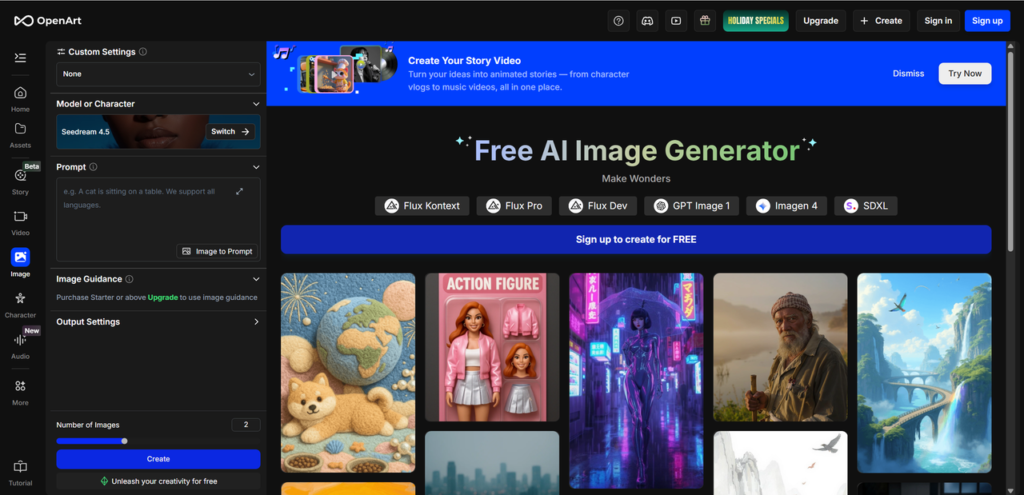
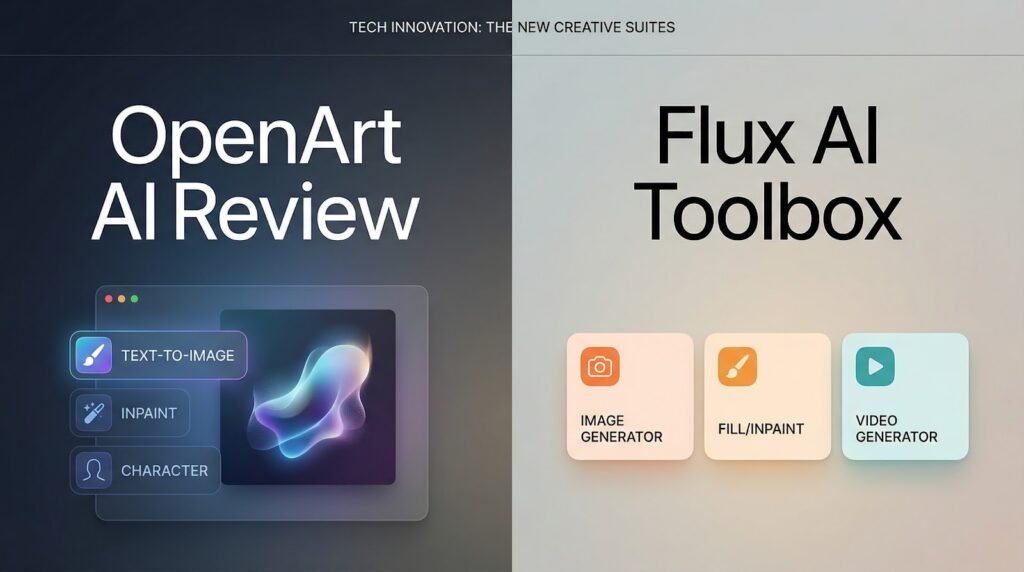
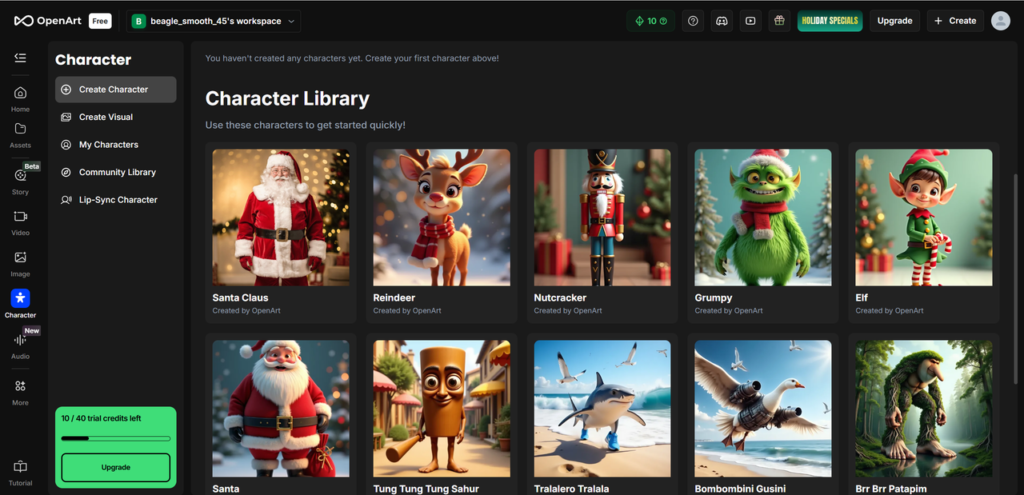
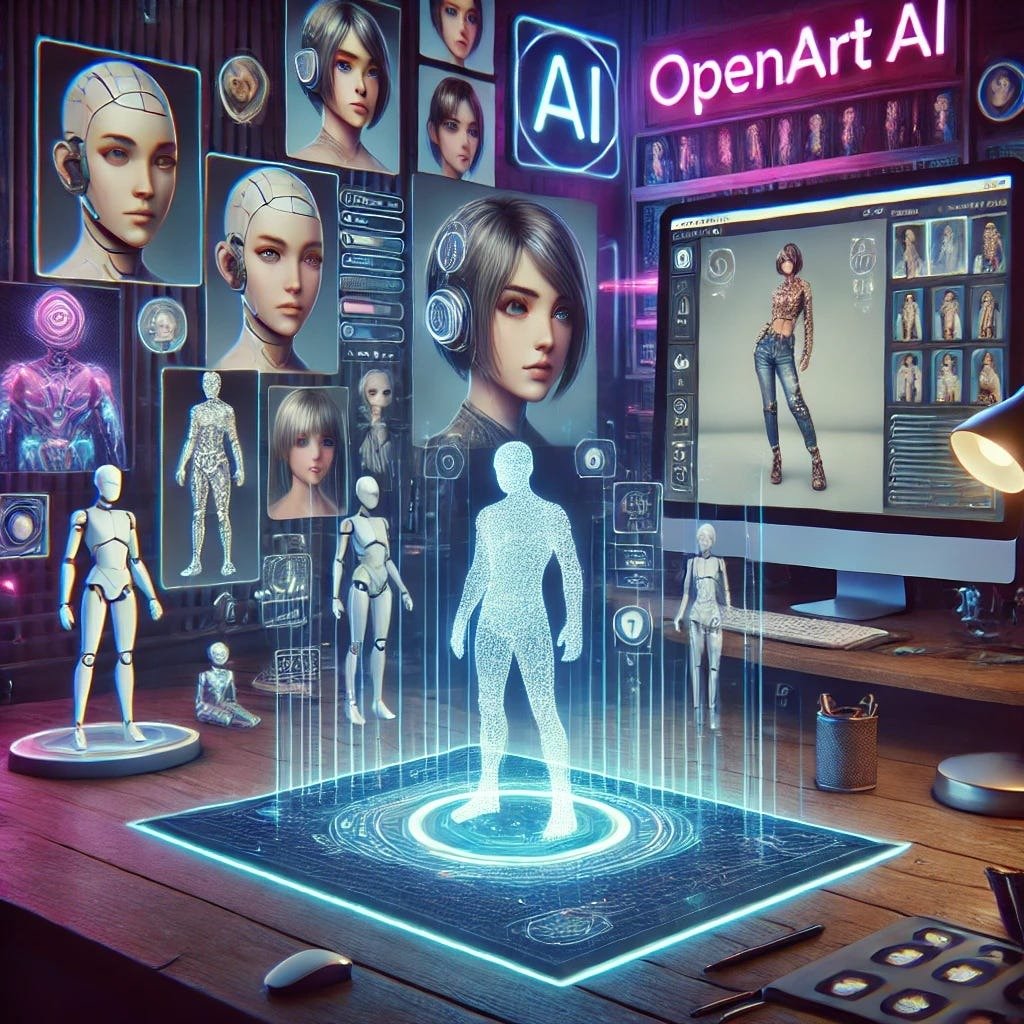
OpenArt AI is a browser-based generative design platform that brings together multiple AI models under a single creative hub. The platform supports text-to-image generation, image editing, video creation, character generation, and other creative tools right inside the browser. Rather than locking you into a single AI model, OpenArt gives access to a library of models you can switch between depending on the task.
Because it combines tools that would normally require separate software or subscriptions, OpenArt positions itself as an all-in-one creative suite. Its target audience includes:
• Digital artists and illustrators
• Concept designers and storyboard artists
• Content creators generating visuals for branding and social media
• Videographers and motion designers experimenting with AI clips
In the context of the broader AI art market, OpenArt sits alongside dedicated image generation tools but adds video tools and editing features to broaden its creative reach.
How OpenArt AI Works
Understanding how OpenArt AI works helps creators plan their workflow and anticipate outputs.
Step One: Signing Up And Credits
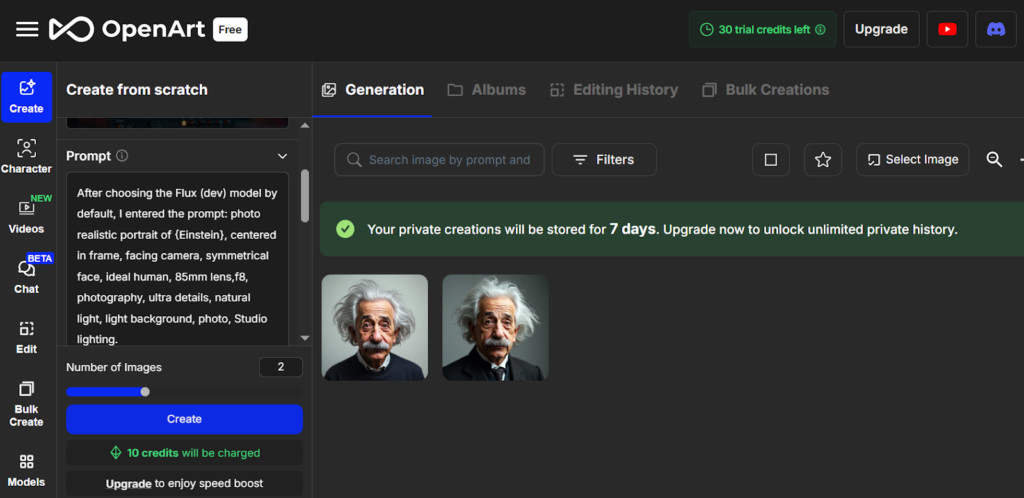
OpenArt AI typically offers a free tier with trial credits to explore tools. Paid subscriptions or credit packs unlock more monthly usage. Credits are deducted based on the type of generation or editing task you perform.
Step Two: Choosing A Model
Users begin by selecting the type of content they want to create — image, video, character, or audio. Within each category, OpenArt AI gives access to multiple underlying AI models so you can choose whichever produces the style or quality you prefer.
Step Three: Input And Editing Controls
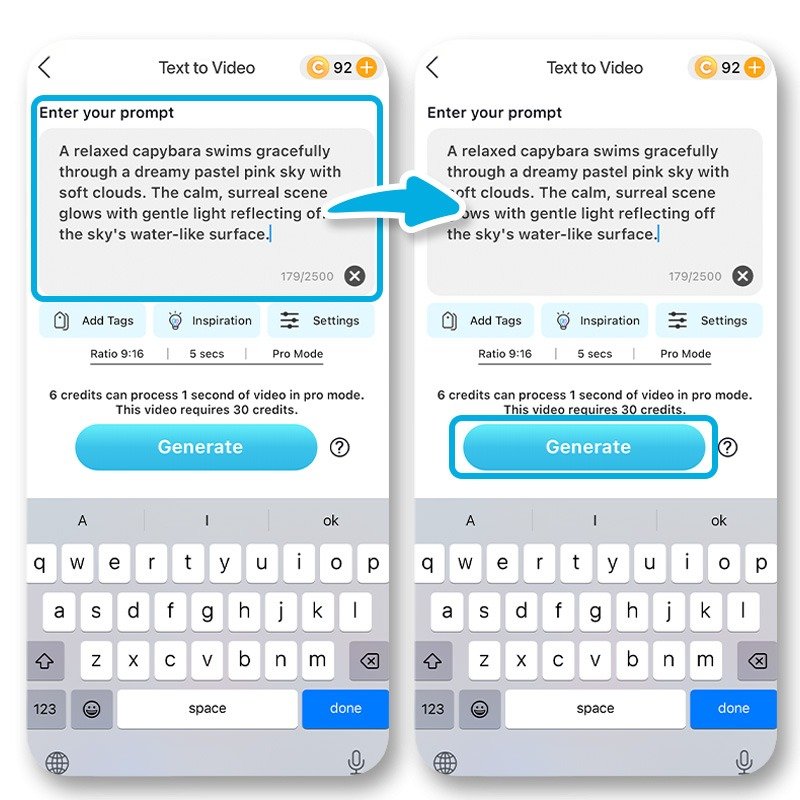
For images, text prompts generate output based on your description. There are also tools for editing images — such as inpainting, upscaling, and background replacement — allowing you not just to generate but refine visuals. For videos, prompt systems and model options influence motion, style, and output length.
Step Four: Output And Refinement
Once generation is complete, creators can tweak results directly in the platform. Refined images or clips can be exported for use in client work, portfolios, or social posts — much like a design application but powered by AI.
This workflow is cloud based, so no software download is required. Effectiveness depends on your prompt quality and chosen model configurations.
Core Features Overview
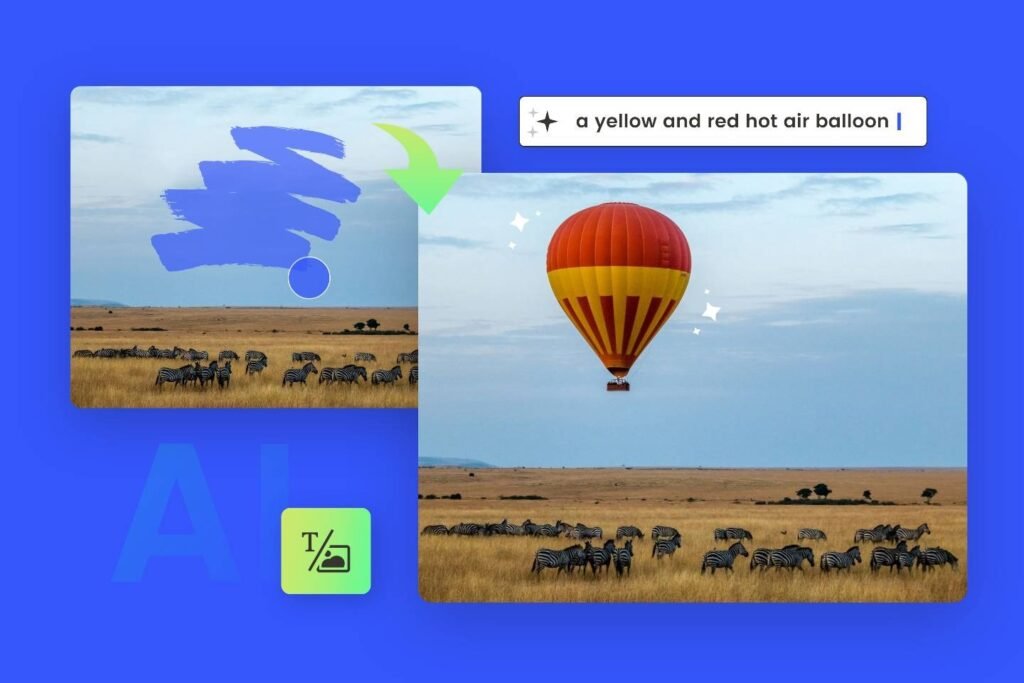
Feature One Text-to-Image Generation
OpenArt AI uses machine learning models to turn written prompts into digital artwork in various styles, from realistic to stylized visuals. This lies at the heart of the creative suite.
Why This Matters
Designers can quickly prototype visual ideas, explore concepts, and iterate styles without spending hours on manual design from scratch.
Feature Two Image Editing And Enhancement
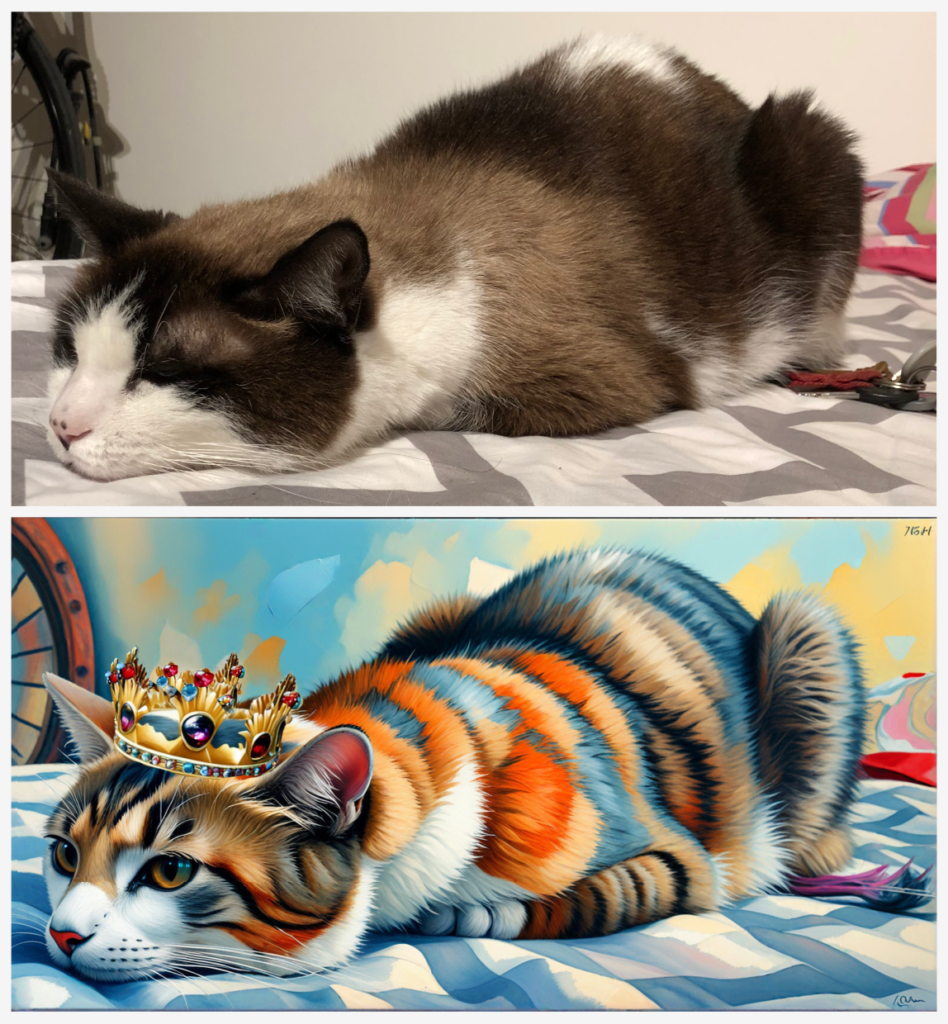
Built-in tools such as image inpainting, background replacement, and upscaling let creators refine their work within the platform, reducing the need for external editing software.
Why This Matters
Control over fine details and quality elevates the output from simple proofs of concept to visuals that can be used in client deliverables or portfolio pieces.
Feature Three Video And Character Tools
OpenArt AI expands beyond static images. It offers video generation and character creation utilities that let users animate scenes or build consistent character designs over multiple iterations.
Why This Matters
For creators working on motion graphics or character-driven projects, having these capabilities in one platform streamlines the creative pipeline.
Key Benefits For Users
OpenArt AI delivers several practical benefits for designers and creators.
Workflow Consolidation
By unifying image, video, and editing tools in one place, creatives no longer need to switch between disparate apps or subscriptions.
Rapid Experimentation
Creators can iterate on ideas quickly. Generating variations or testing styles is far faster than manual design methods.
Access To Diverse Models
Different models specialize in aesthetics from realistic renders to artistic styles. This choice empowers designers to match output to project needs.
Reduced Technical Overhead
No need for powerful local hardware or complex installations. All processing occurs in the cloud.
Who Should Use This Software
Ideal Users
• Freelance designers and illustrators
• Social media visual creators
• Concept artists and animators
• Educators and students experimenting with art AI
Industries
• Digital marketing and advertising
• Entertainment and media
• Game design and concept development
• Online content creation
Organization Size
Works for solo creators and small studios. Larger design firms may use OpenArt AI as a support tool but may still rely on professional design systems for final deliverables.
Use Cases And Real World Scenarios
Concept Art And Storyboarding
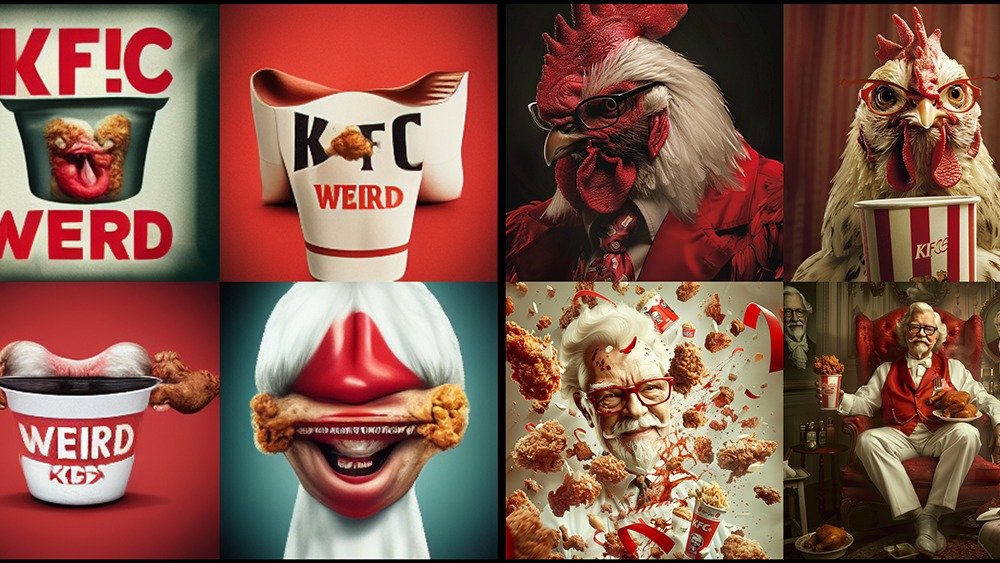
Designers can generate multiple concept art variations based on narrative prompts to explore visual directions early in a project.
Social Content Production
Marketing creators can quickly produce branded visuals and teaser clips for campaigns, saving time compared with manual design.
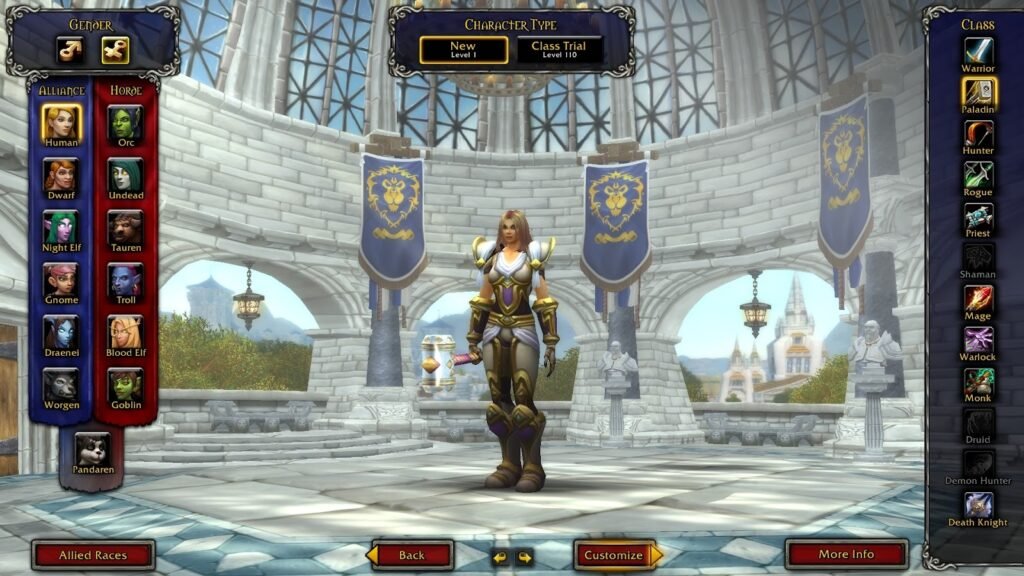
Character Design Experiments
Animating or fleshing out character concepts becomes faster, especially with tools that maintain consistency across renderings.
Visual Prototyping
Apparel designers, product concept artists, and illustrators can use generated images to prototype concepts before client presentations.
User Experience And Interface
OpenArt AI presents a web-based interface with clear categories for different creative tasks. Model selection and generation controls are visible and adjustable.
Ease Of Use
Beginners can start generating images quickly, but mastering prompts and model selection takes practice.
Learning Curve
There is a learning curve associated with understanding credit use, model differences, and editing tools.
Design And Layout
The clean, dashboard style interface helps reduce friction and keeps tools organized.
Pricing And Plans Overview
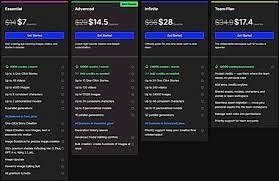
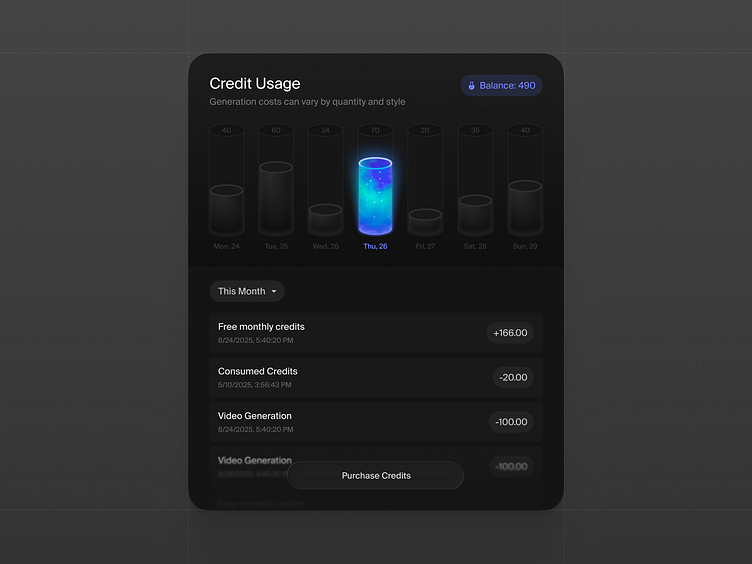
OpenArt AI uses a subscription and credit-based pricing model. Free tiers with trial credits are common, letting users test features before committing. Paid plans increase monthly credits and unlock advanced tools.
From a value perspective, creators should align expected usage with credit costs, especially if generating many videos or high-resolution assets.
Pros And Cons
Pros
• Combines many creative tools in one place
• Multiple AI models available for flexibility
• Editing tools reduce need for external software
• Cloud based, no installation required
Cons
• Credit system can feel restrictive for heavy creators
• Steeper learning curve for prompt crafting
• Mixed feedback on support and billing clarity
Comparison With Similar Tools

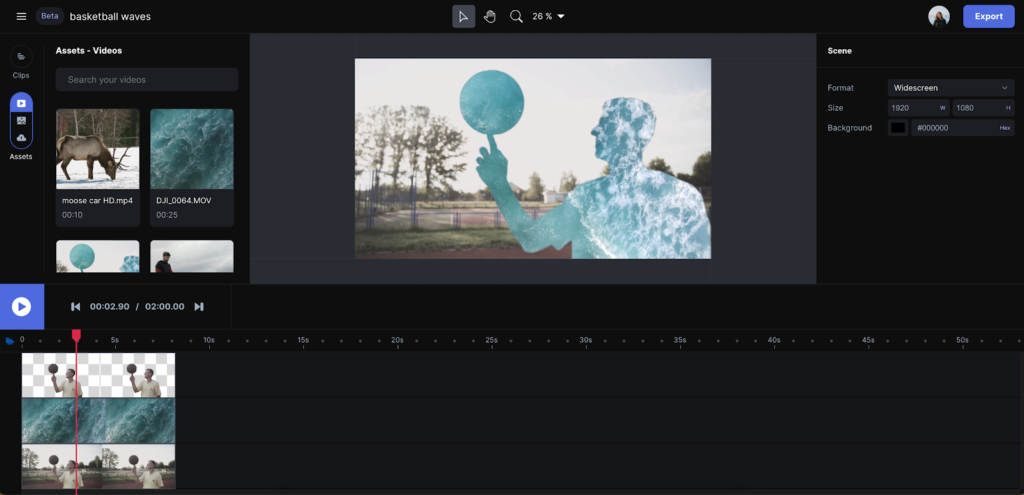
Compared with dedicated image generators like Midjourney or single-task tools like DALL·E, OpenArt AI aims for breadth over specialization. For creators focused mainly on static art, single-model tools may produce higher fidelity results. Tools like Runway ML may excel for advanced video needs. OpenArt AI’s strength is combining many features under one roof rather than pushing a single workflow.
Buying Considerations For Decision Makers
Designers should evaluate:
• Monthly credit usage based on expected outputs
• Whether editing tools replace existing software
• How often video tools will be used
• Team collaboration needs
Carefully aligning these factors helps determine if investment delivers value.
Security Privacy And Compliance
As a cloud platform, creators should review how OpenArt AI handles data and generated assets. Understand terms of service regarding content ownership and usage rights. Always back up important creative files outside the platform.
Support And Documentation
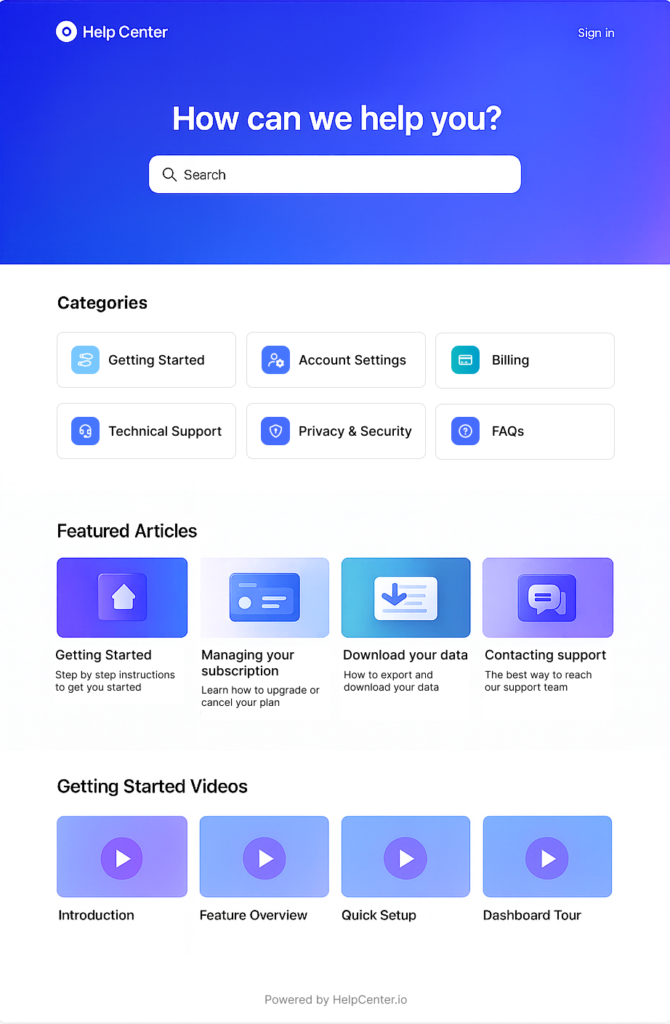
Support resources range from help center documentation to tutorials. Community forums and feedback channels also assist beginners. Some users report mixed experiences with support responsiveness, so consider this before relying heavily on the platform.
Final Verdict
OpenArt AI is a versatile creative suite that provides designers and creators with powerful generative tools in one dashboard. Its combination of image, video, and editing features makes it appealing for exploratory creative work and rapid prototyping. However, heavy usage can quickly consume credits, and mastering the platform’s full potential takes practice.
For freelancers, independent creators, and small studios seeking an all-in-one AI art solution, OpenArt AI is worth serious consideration. Just approach pricing and credit usage with a clear plan.
Frequently Asked Questions
What Can You Create With OpenArt AI
You can generate images, videos, character designs, and enhanced visuals using text prompts and model selection.
Does OpenArt AI Offer A Free Plan
Yes, most users can start with a free plan that includes trial credits before upgrading.
Is OpenArt AI Hard To Use
Basic generation is simple; advanced editing and model choices have a learning curve.
Can I Use OpenArt AI Commercially
Commercial usage terms depend on your subscription and licensing agreement with the platform.
How Does OpenArt AI Compare To Single Purpose AI Tools
OpenArt AI trades specialization for convenience by combining many creative tools, whereas dedicated platforms may excel in specific output quality.