
Google AI Review What Businesses Should Know Before Adopting It

Artificial intelligence is no longer limited to startups and research labs. It is now embedded into everyday business tools used by companies across the United States, United Kingdom, Canada, and Australia. From content creation to data analysis, AI driven systems are transforming how teams operate.
Google AI represents one of the most influential forces in this transformation.
When businesses evaluate google ai, they are not looking at a single product. Instead, they are considering a broad ecosystem of artificial intelligence tools integrated into Google’s platforms, including search, productivity applications, and generative AI systems.
This review explores what google ai includes, how it works, what it offers businesses, and what decision makers should carefully evaluate before adoption.

Let us begin with a foundational understanding.
What Is Google AI
Google AI refers to the collection of artificial intelligence technologies developed and integrated across Google’s products and services. Rather than a single standalone platform, google ai powers features within tools such as Google Search, Google Workspace, Google Cloud services, and conversational AI systems.
For business users, google ai most commonly appears in:
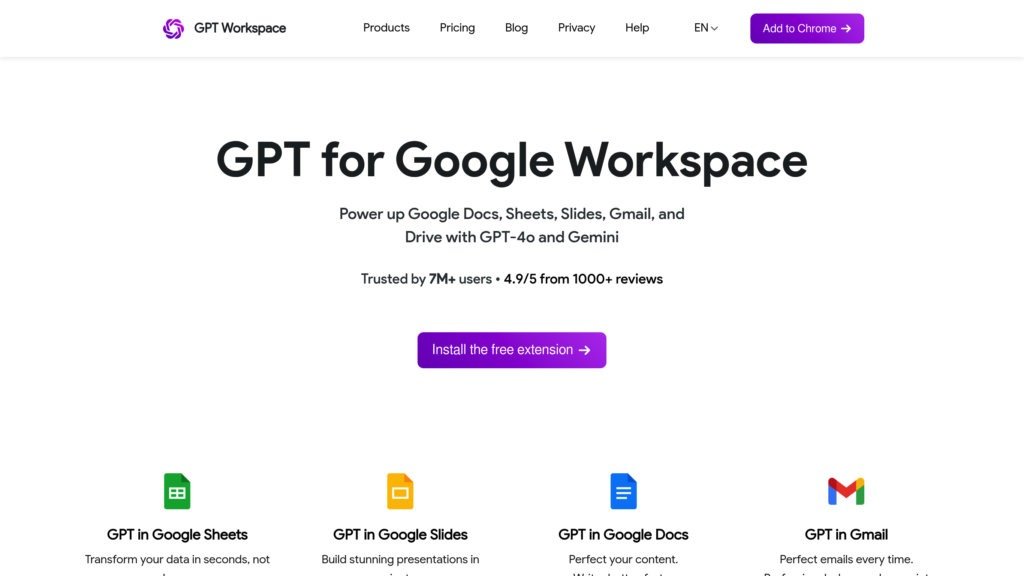
• AI assisted writing and summarization inside Google Docs
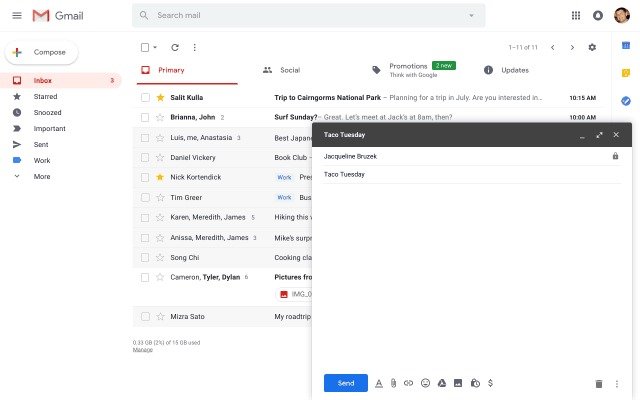
• Smart email drafting in Gmail
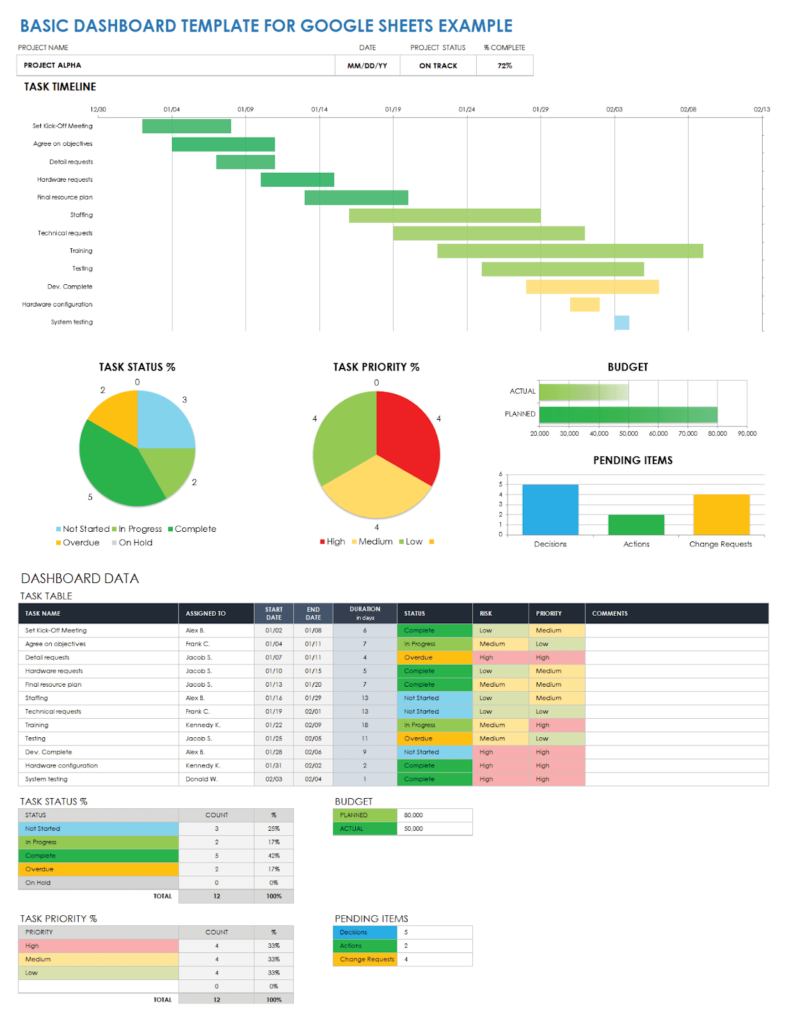
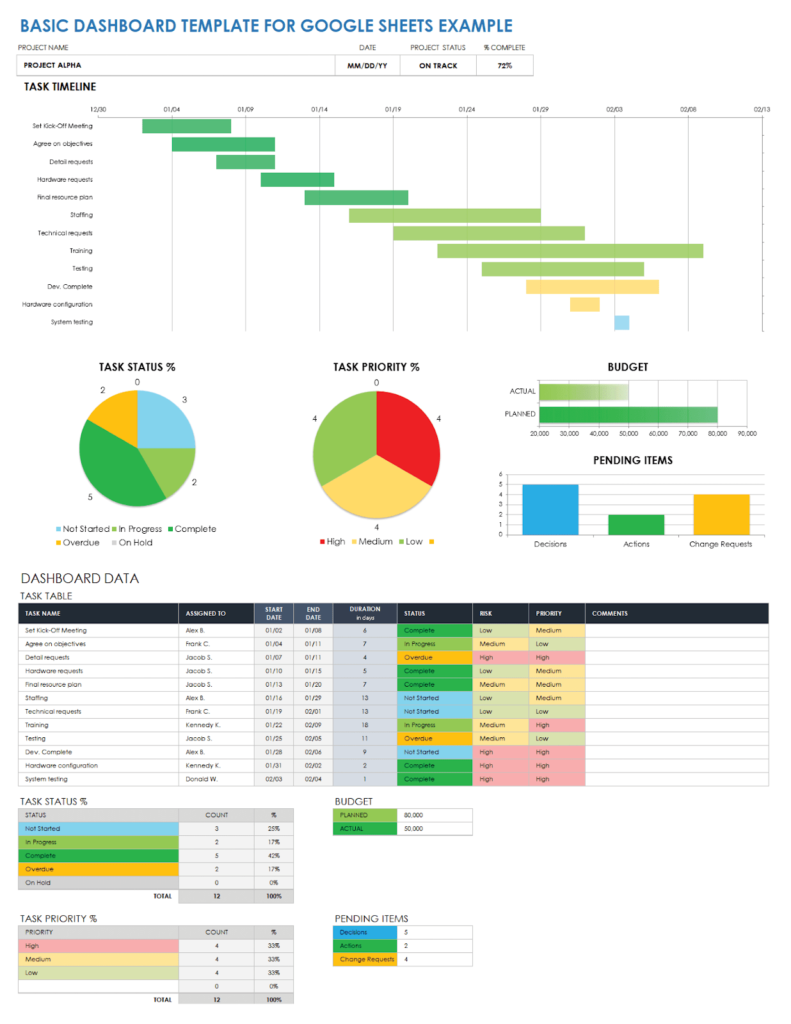
• Data insights within Google Sheets
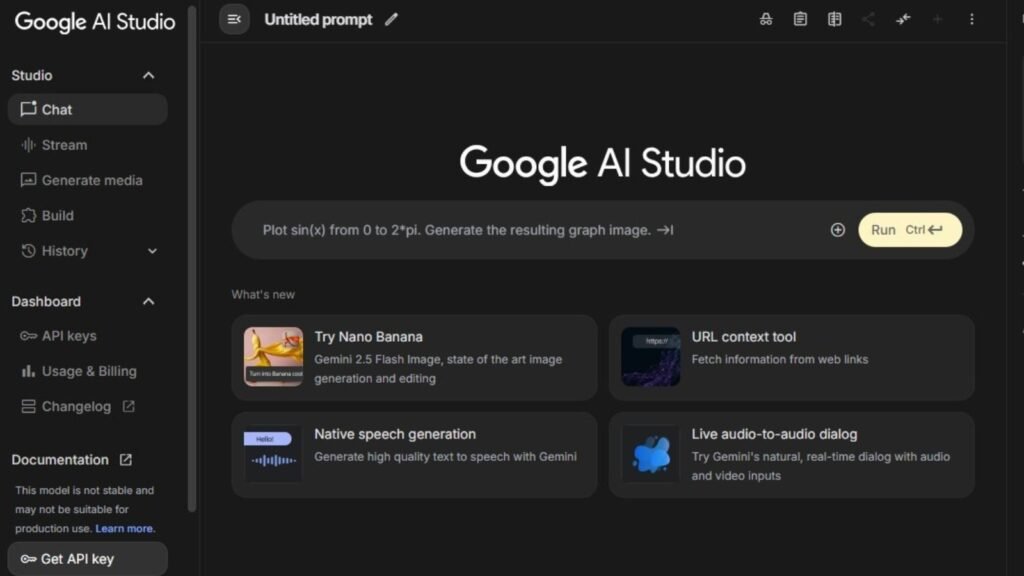
• Generative AI assistants such as Gemini
• AI enhanced search results
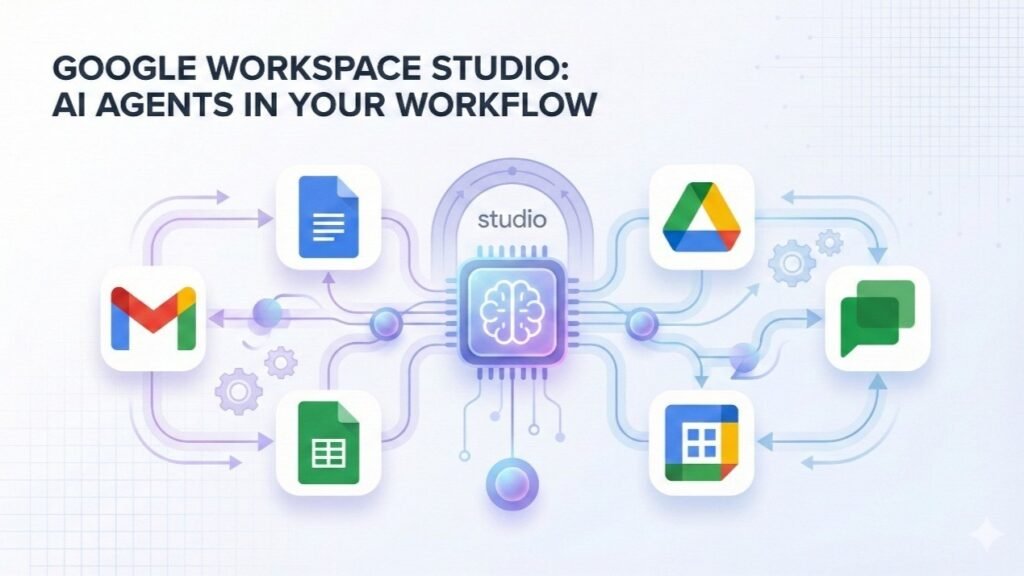
The positioning of google ai within the SaaS landscape is unique. Instead of requiring separate installation, it integrates directly into tools that businesses already use daily.
This embedded model reduces friction and makes AI adoption feel natural rather than disruptive.
For new adopters, google ai is less about experimenting with isolated AI tools and more about enhancing existing workflows.
How Google AI Works
Understanding how google ai functions helps clarify both its strengths and limitations.
Embedded AI Infrastructure
Google AI operates through advanced machine learning models trained on large scale data. These models are integrated directly into Google’s ecosystem. Instead of manually connecting separate systems, users experience AI features within familiar interfaces.
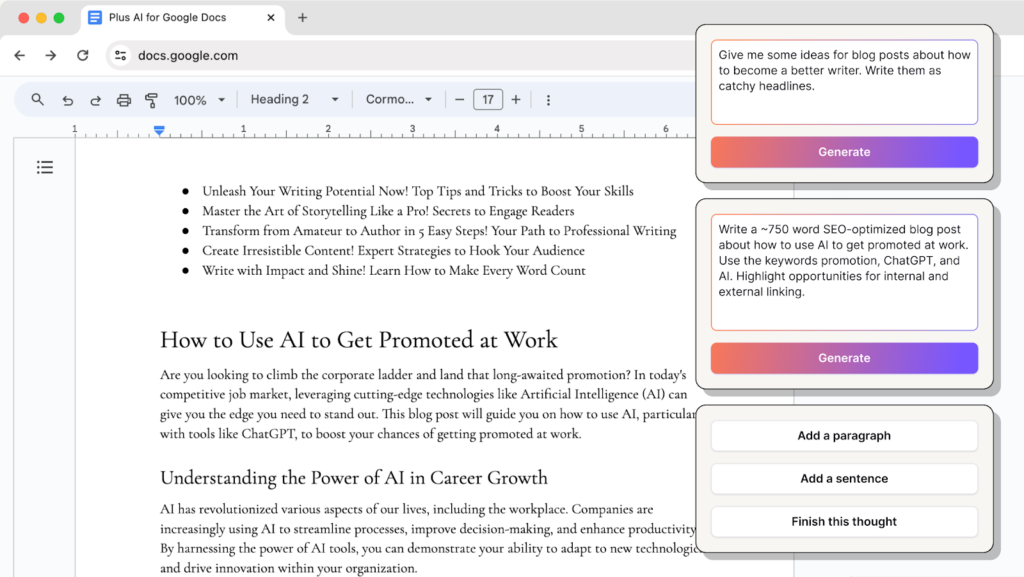
For example, when drafting a document in Google Docs, AI suggestions appear contextually. When composing an email in Gmail, smart responses are generated in real time.
Generative AI Assistance
Tools such as Gemini allow users to interact conversationally with AI for research, content generation, and idea development. Businesses can ask questions, request summaries, or generate structured content.
Automation And Insight Generation
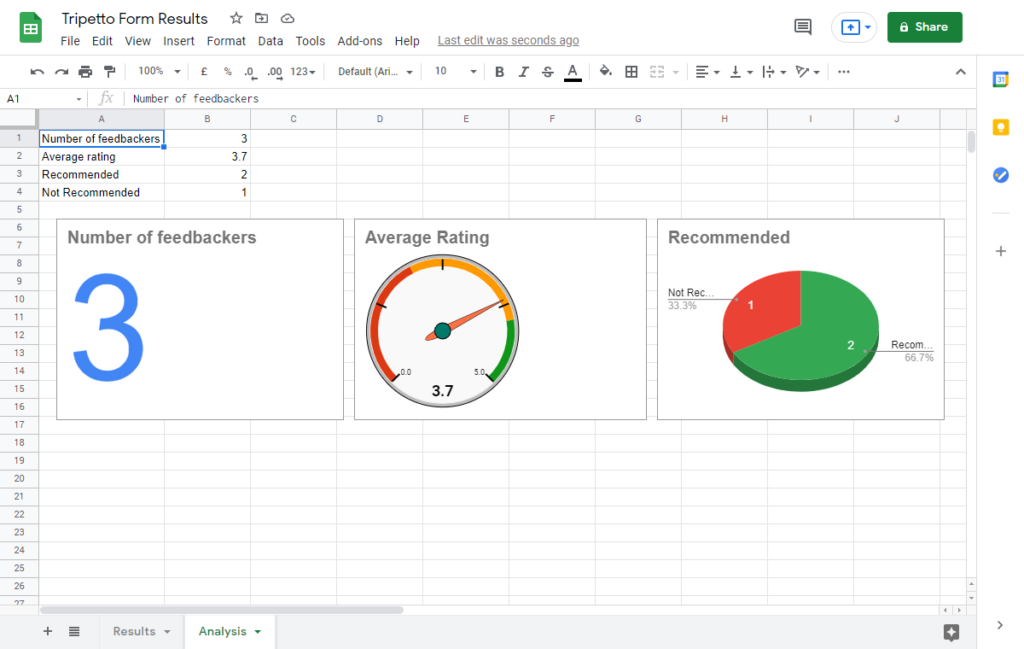
In tools like Google Sheets, google ai can identify patterns, suggest formulas, and summarize data trends. This reduces the need for manual analysis and improves speed.
The core advantage is seamless integration. AI becomes part of the workflow rather than a separate application.

Core Features Overview
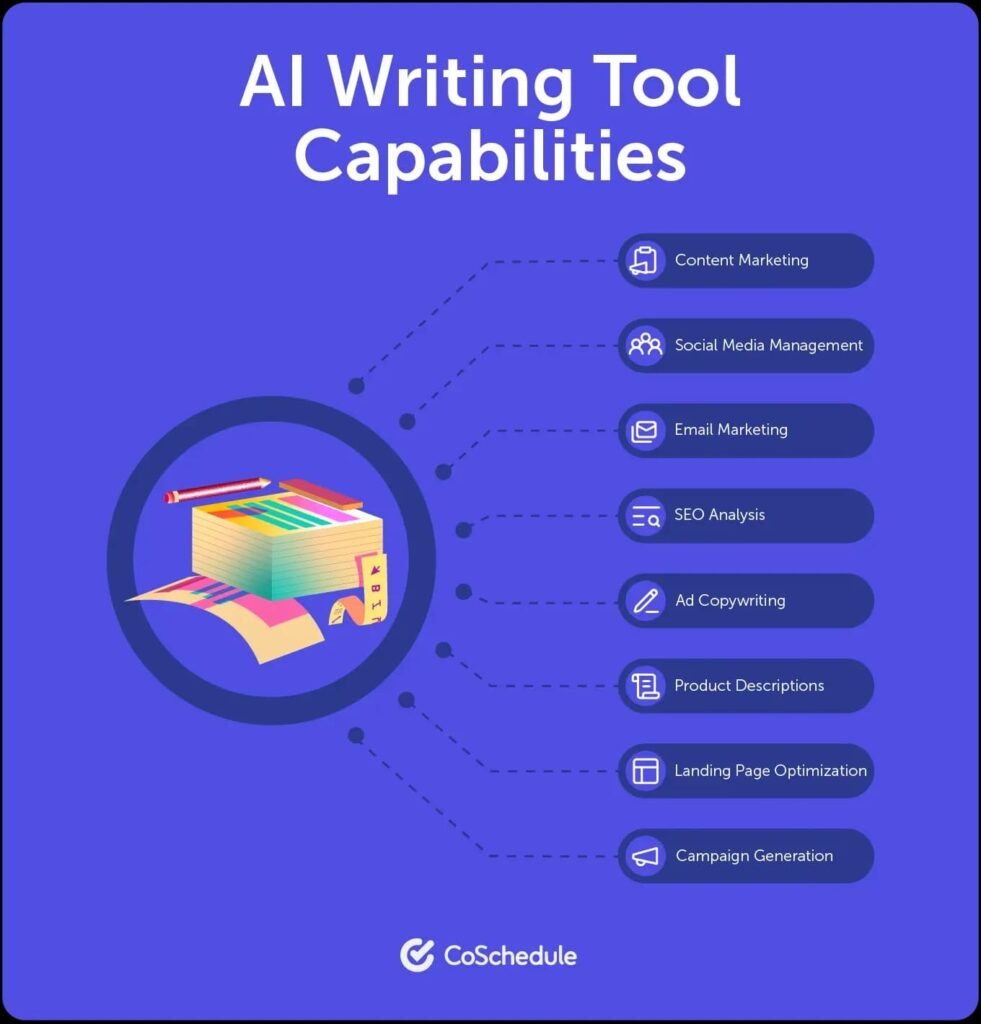
Google AI includes multiple high impact capabilities that businesses should understand.
AI Writing And Editing Assistance
Within Google Docs and Gmail, google ai supports drafting, rewriting, summarizing, and tone adjustments. This is especially valuable for marketing teams, HR departments, and executive communications.
Conversational AI With Gemini
Gemini enables question answering, idea generation, content outlines, and strategic brainstorming. It functions as a general purpose assistant.
Data Insights And Automation
In Google Sheets and analytics tools, google ai can surface insights automatically. Instead of manually filtering datasets, teams receive suggested patterns and trends.
AI Powered Search Enhancements
Google’s search experience now includes AI generated overviews. For businesses conducting research, this accelerates information gathering.
These features demonstrate how google ai spans communication, research, and analytics.
Key Benefits For Users
For business environments, practical benefits determine long term value.
Increased Productivity
Google AI reduces time spent drafting emails, summarizing documents, and analyzing spreadsheets. This frees teams to focus on higher value tasks.
Seamless Adoption
Because AI features are embedded in existing tools, adoption requires minimal retraining. Employees continue using familiar interfaces with enhanced capabilities.
Improved Decision Making
Automated data insights help leaders identify trends faster. Quick summaries enable informed decisions without reviewing lengthy reports.
Scalable Efficiency
As organizations grow, google ai supports workload expansion without proportional increases in staff time.


These advantages make google ai attractive for both mid size businesses and enterprises.
Who Should Use This Software
Google AI is best suited for organizations already using Google Workspace or other Google platforms.
Ideal users include:
• Marketing and communications teams
• Sales professionals drafting proposals
• HR departments managing documentation
• Data analysts working in Sheets
• Executives reviewing summaries
Small businesses can benefit from productivity improvements, while larger enterprises may leverage automation at scale.
Companies deeply invested in alternative ecosystems may experience less seamless integration.
Use Cases And Real World Scenarios
Concrete examples illustrate how google ai functions in practice.
Marketing Content Development
A marketing manager uses Google Docs with AI assistance to generate campaign drafts and refine messaging tone.
Sales Proposal Drafting
A sales representative uses AI suggestions in Gmail to compose personalized outreach emails more efficiently.
Financial Reporting
An operations leader uses Google Sheets AI insights to summarize quarterly performance trends.
Research And Competitive Analysis
A strategy consultant leverages AI powered search summaries to accelerate research tasks.
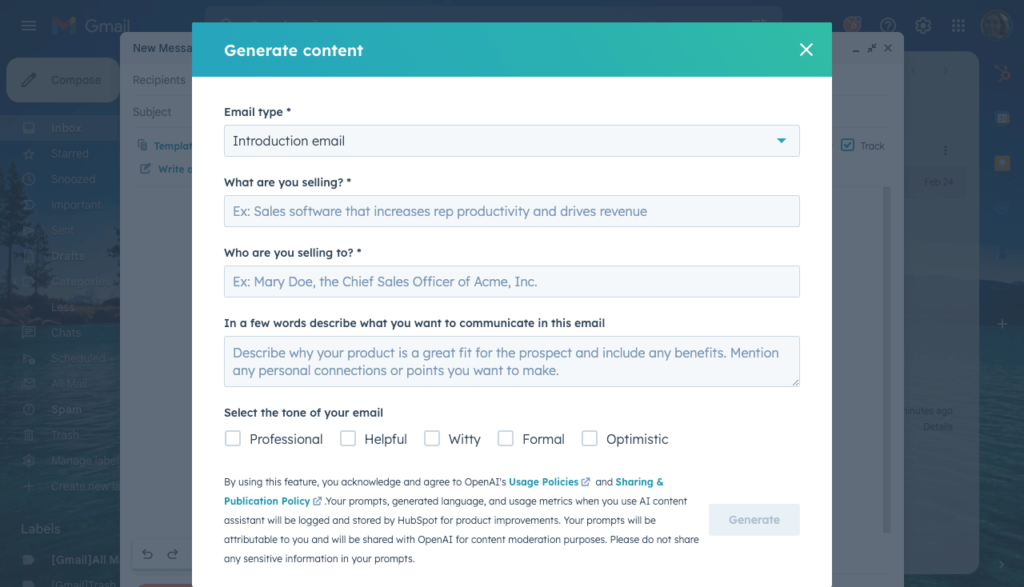
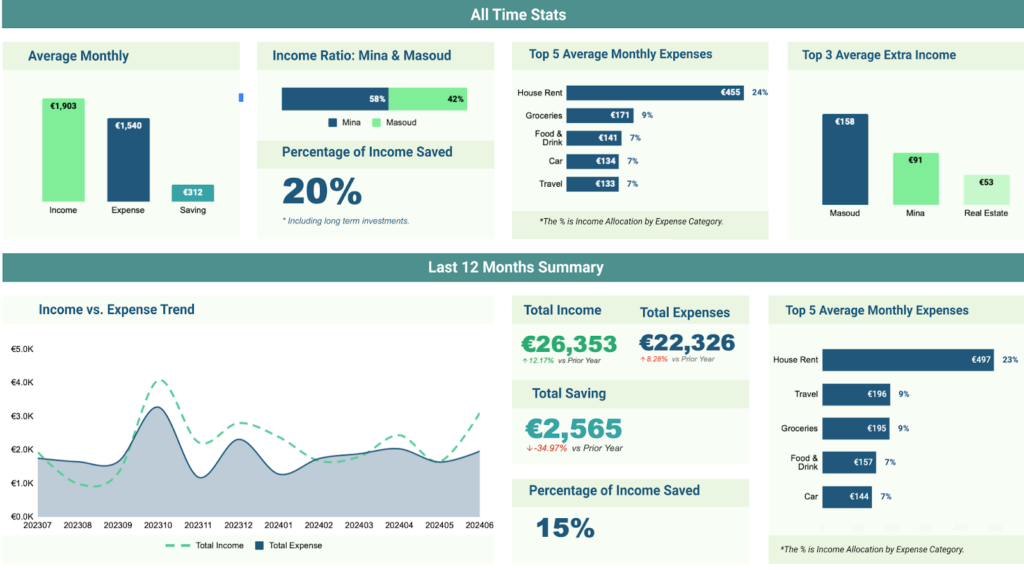
These real world examples demonstrate cross functional value.
User Experience And Interface
One of the strongest aspects of google ai is user familiarity.
Because AI features are integrated into tools like Docs and Gmail, the interface feels intuitive. Suggestions appear naturally. Users can accept or edit outputs without navigating away from their work.
The learning curve is minimal. However, understanding how to craft effective prompts improves results.
Overall, the experience is designed for efficiency rather than complexity.
Pricing And Plans Overview
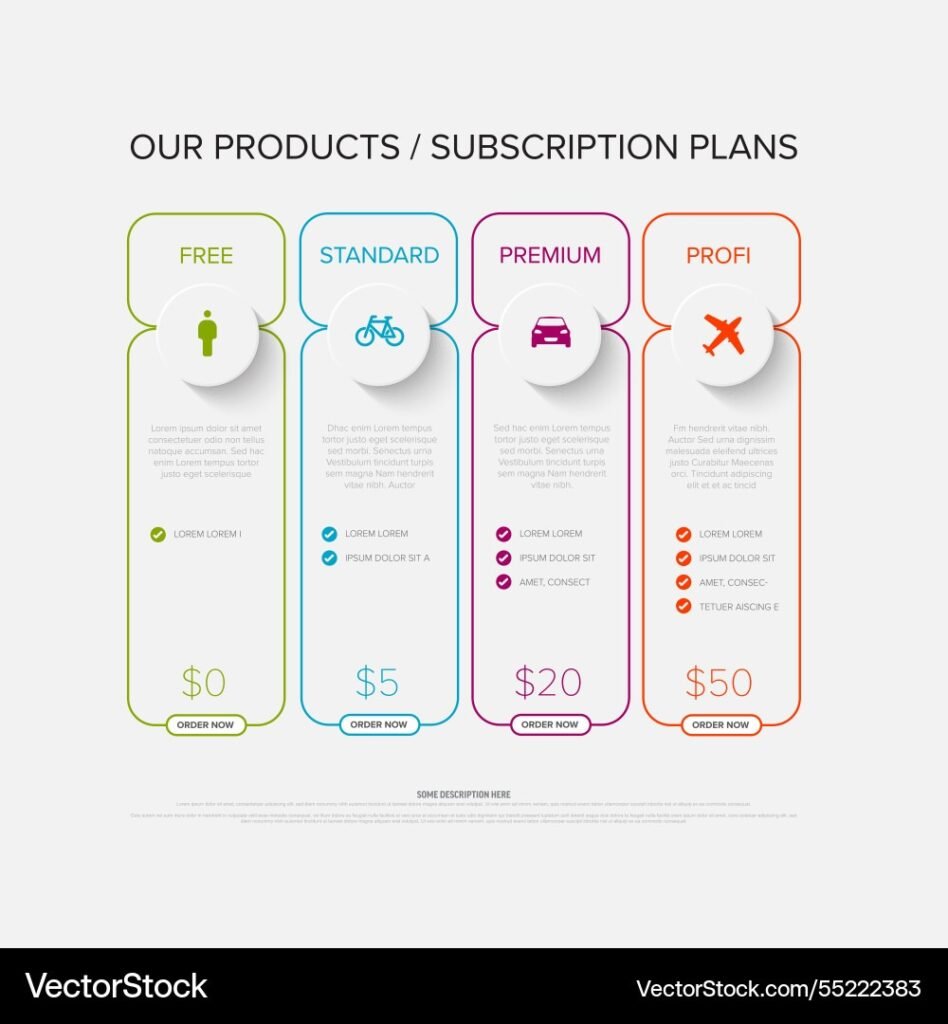
Google AI capabilities are often bundled within Google Workspace subscription tiers or premium AI add ons.
Businesses should evaluate:
• Existing Google Workspace subscription level
• Additional AI feature costs
• Number of users
• Expected usage intensity
Return on investment should be measured in productivity gains and time savings rather than AI novelty.
Pros And Cons
A balanced evaluation supports informed decisions.
Pros
• Seamless integration within familiar tools
• Strong productivity enhancements
• Minimal training required
• Scalable across teams
Cons
• Deep functionality may vary across products
• Requires Google ecosystem alignment
• AI outputs still require human review
• Premium features may increase subscription costs
Understanding these trade offs prevents unrealistic expectations.
Comparison With Similar Tools
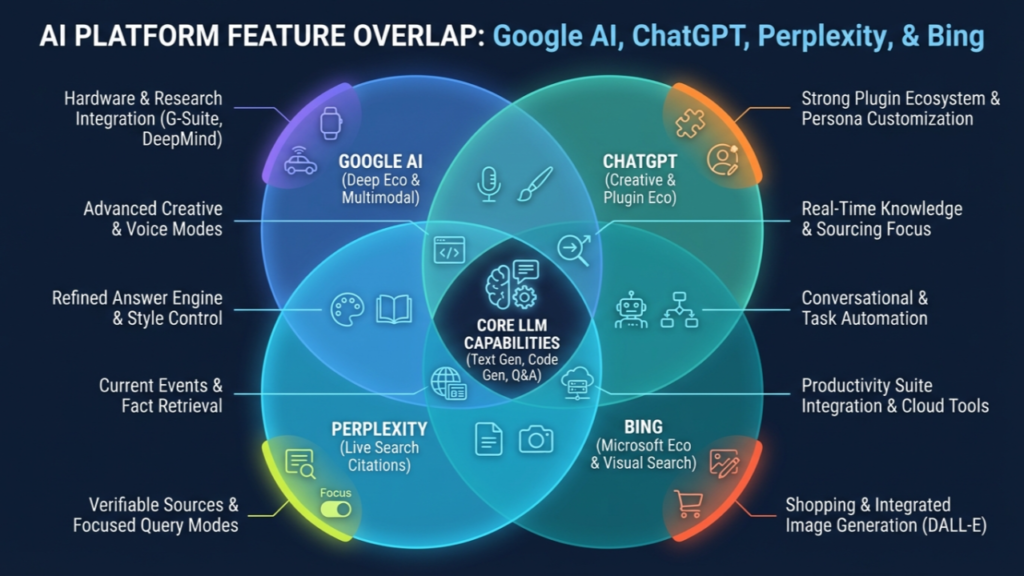
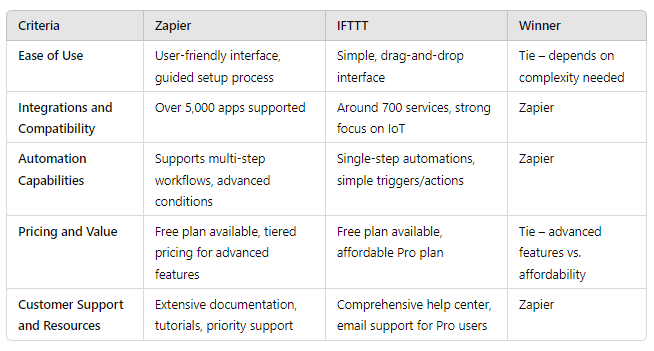
When compared with standalone AI platforms, google ai offers integration advantages. Rather than switching between tools, businesses work within one ecosystem.
Compared with enterprise specific AI platforms, google ai may offer less customization but greater accessibility.
Organizations should assess whether embedded productivity or deep specialized AI capabilities better match their goals.
Buying Considerations For Decision Makers
Before adopting google ai at scale, leaders should evaluate:
Ecosystem Fit
Is your organization already invested in Google Workspace
Data Governance
How will AI features interact with sensitive business information
Employee Training
Do teams understand how to use AI responsibly and effectively
Long Term Scalability
Will expanded usage require upgraded plans or additional AI add ons
A strategic rollout with clear guidelines ensures stronger outcomes.
Security Privacy And Compliance
Google AI operates within Google’s broader security infrastructure. This typically includes encryption, access controls, and enterprise level compliance standards.
However, businesses must review:
• Data usage policies
• Storage practices
• AI training implications
• Regulatory compliance requirements
Especially for regulated industries, internal policy alignment is essential.
Support And Documentation
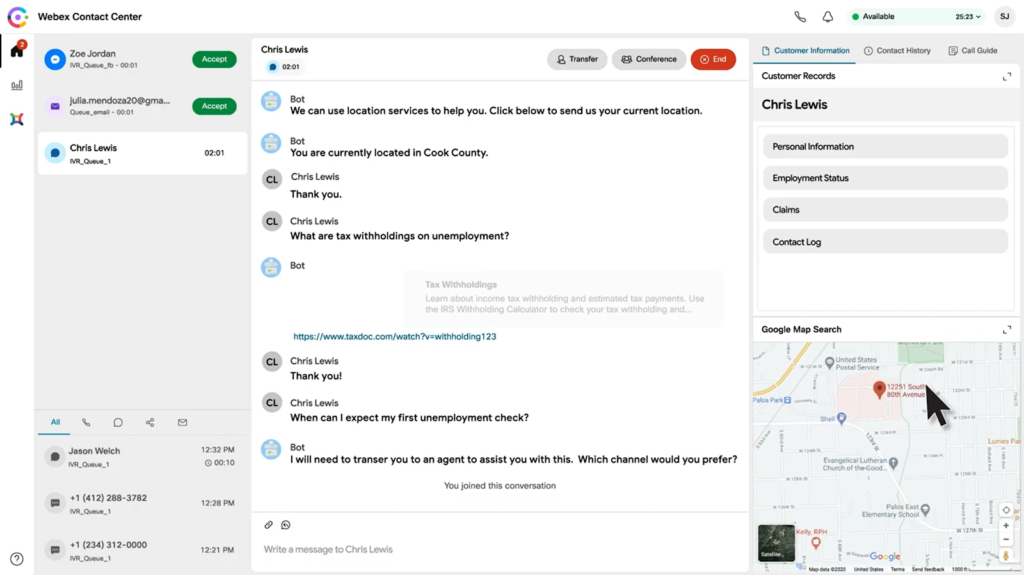
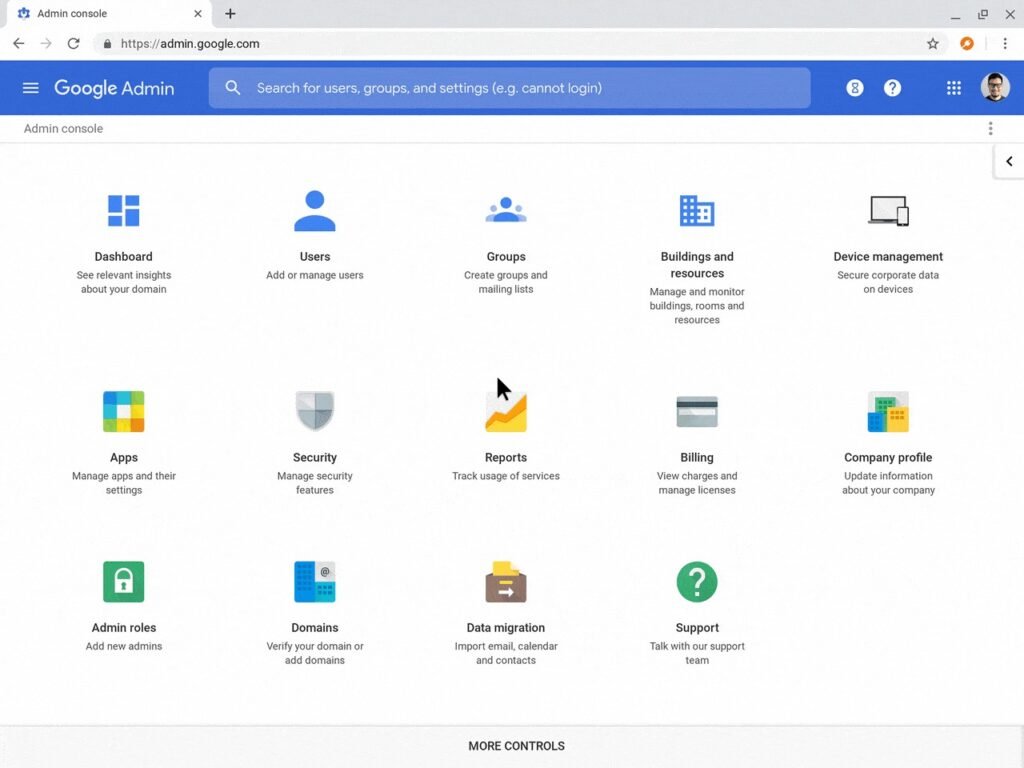
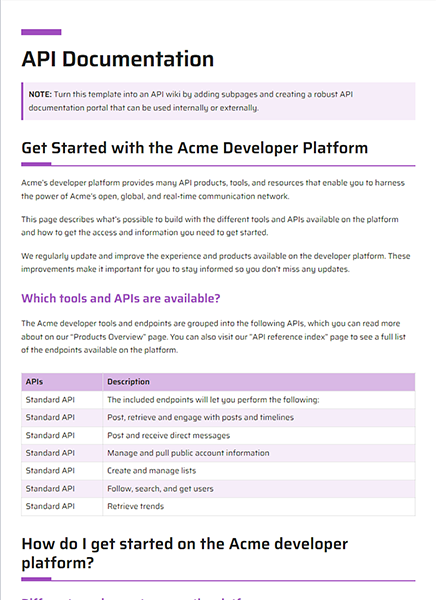
Google provides extensive documentation, help centers, and enterprise support for its AI powered tools.
Organizations benefit from:
• Knowledge base articles
• Training materials
• Customer support channels
• Admin controls for enterprise management
Strong documentation simplifies implementation and governance.
Final Verdict
Google AI is not a single product but a comprehensive ecosystem of AI powered enhancements embedded within Google’s widely used platforms.
For businesses already operating within the Google environment, adoption is intuitive and productivity gains can be immediate. From drafting communications to analyzing data, google ai strengthens everyday workflows.
However, decision makers should approach implementation strategically. AI outputs require human oversight, and subscription structures should align with usage needs.
For organizations seeking seamless AI integration rather than standalone experimentation, google ai represents a practical and scalable solution.
Frequently Asked Questions
Is Google AI A Separate Product
No google ai refers to AI technologies integrated across Google products such as Workspace and search.
Do Businesses Need Technical Skills To Use Google AI
Basic AI features require no technical expertise. Advanced integrations may involve technical configuration.
Is Google AI Secure For Business Use
Google provides enterprise level security measures, but organizations should review data policies carefully.
Does Google AI Improve Productivity
Yes when used properly it reduces drafting time, accelerates research, and automates insight generation.
Is Google AI Worth The Investment
For businesses already using Google tools the incremental productivity gains often justify the cost.