

Grammarly AI Review What Professionals Should Know Before Using It

In the world of professional communication clarity and precision are not optional. Whether you are drafting emails, writing proposals, preparing reports, or collaborating across teams, the quality of your writing directly influences credibility and outcomes. For this reason many professionals turn to assistance tools that help refine language, improve structure and ensure messages are clear.
One tool that has become synonymous with writing support is Grammarly AI. While many people know Grammarly for its grammar checking, its AI powered capabilities extend far beyond spelling corrections. Today grammarly ai offers context aware suggestions, tone adjustments, clarity enhancements, and even generative writing support.
This review explains what grammarly ai is, how it works, what features matter for professionals, and what you should consider before using it in business and workplace settings.
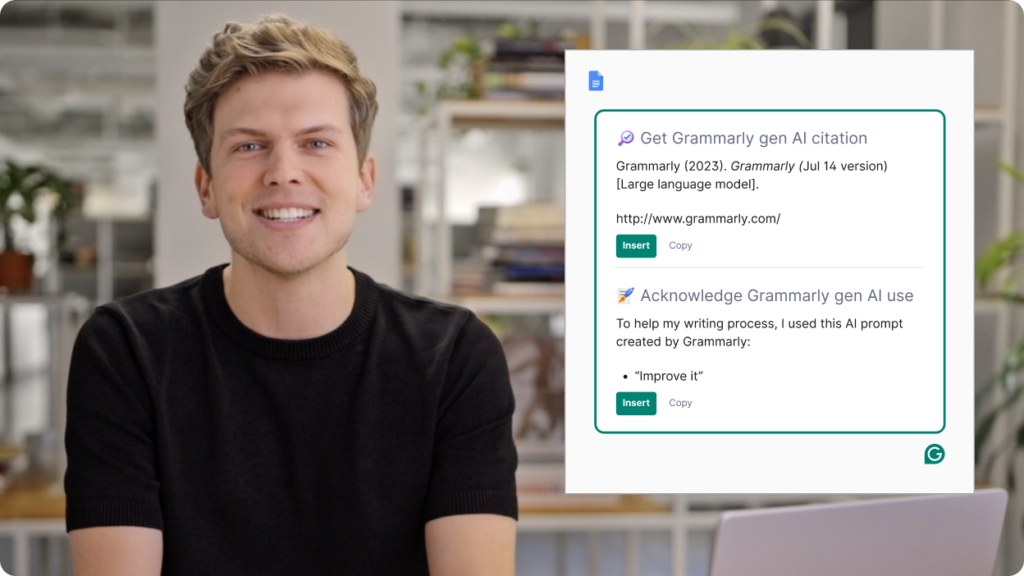
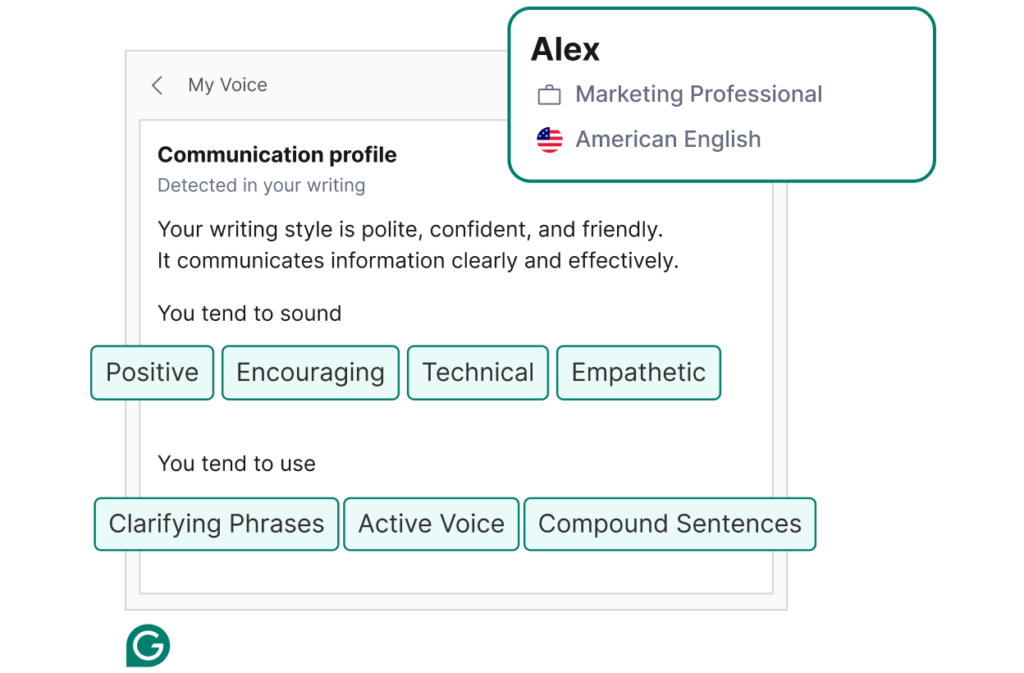
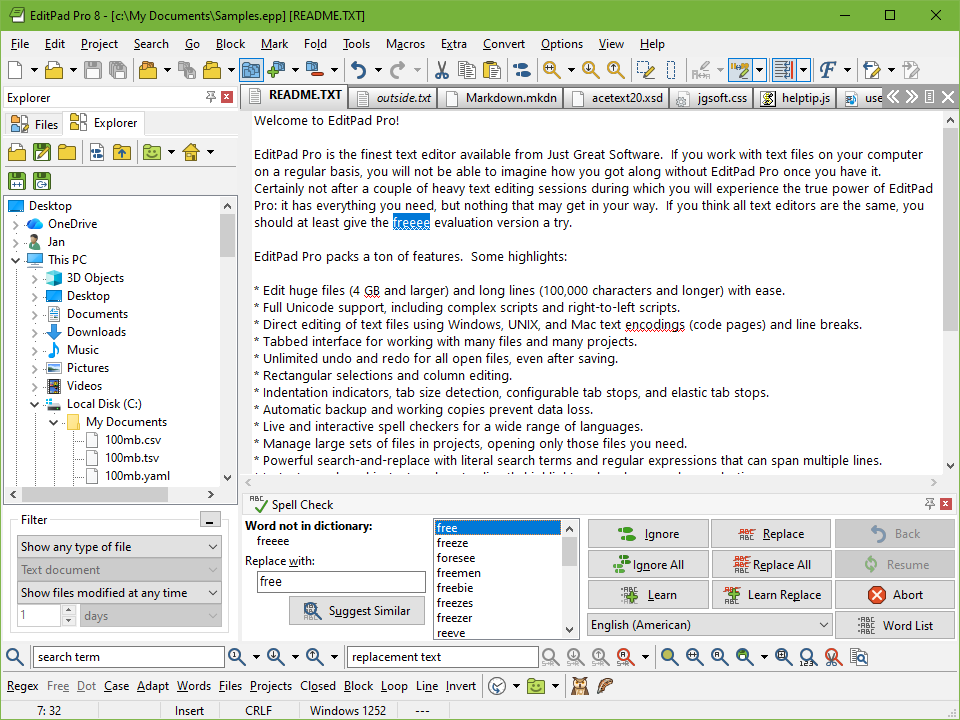
Here is what you should know before adopting grammarly ai.
What Is Grammarly AI
Grammarly AI is an intelligent writing assistance platform designed to help users produce more effective, polished and professional written communication. It builds on Grammarly’s core grammar, spelling and punctuation checks by incorporating advanced artificial intelligence that understands context, intent and tone.
Unlike basic text correctors that flag errors word by word, grammarly ai analyzes sentences holistically. It offers suggestions that reflect communication goals such as clarity, engagement and persuasiveness. For professionals, this means access to a tool that goes beyond proofreading and supports deep writing refinement.
Within the broader SaaS ecosystem grammarly ai fits into a category of AI driven writing tools used by professionals, marketers, content creators and knowledge workers. Its strength lies in combining usability with powerful language intelligence.
For those unfamiliar with the platform think of grammarly ai as a smart collaborator that helps elevate your writing to professional standards.
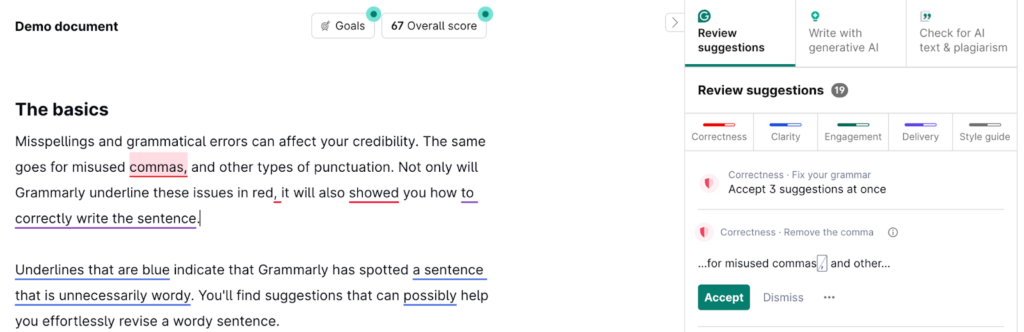
How Grammarly AI Works
To understand how grammarly ai supports professionals it helps to look at how you interact with it.
Real Time Text Analysis
As you type within the Grammarly app, browser extension or integrated workspace, grammarly ai continuously analyzes your text. It detects grammar, punctuation and style issues, and suggests corrections.
What sets grammarly ai apart is its understanding of context. Instead of offering generic fix suggestions it adjusts advice based on the purpose of writing and audience expectations.
Tone And Communication Insight
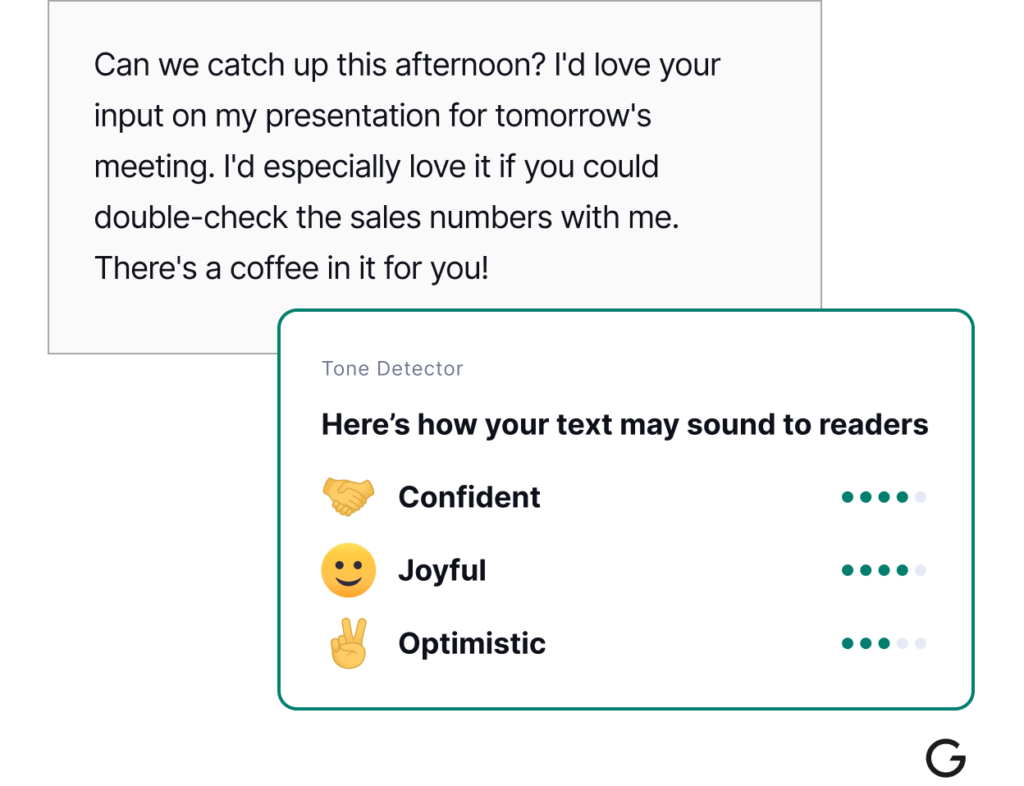
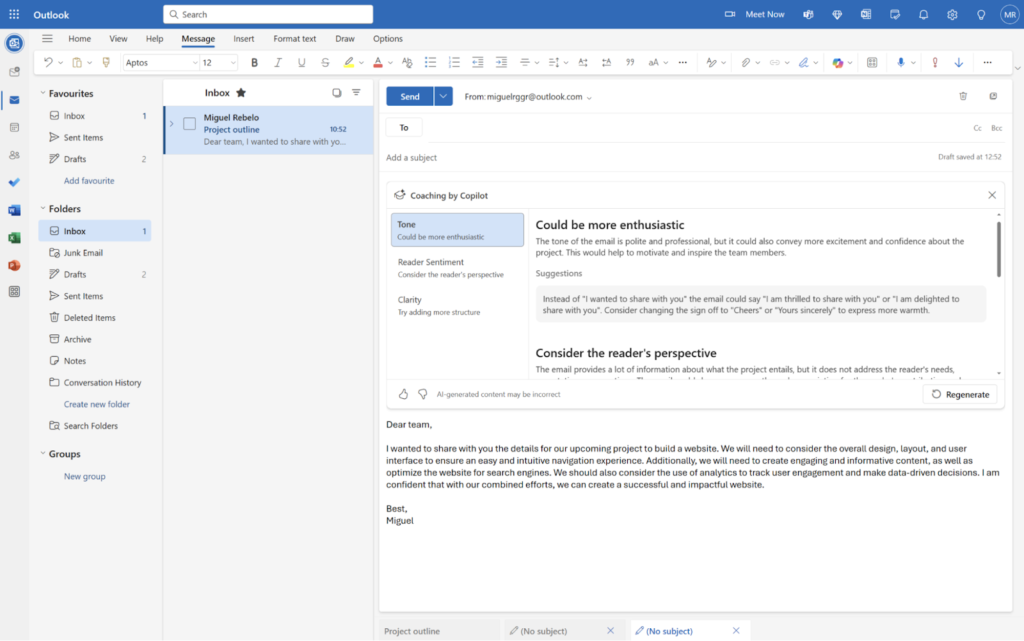
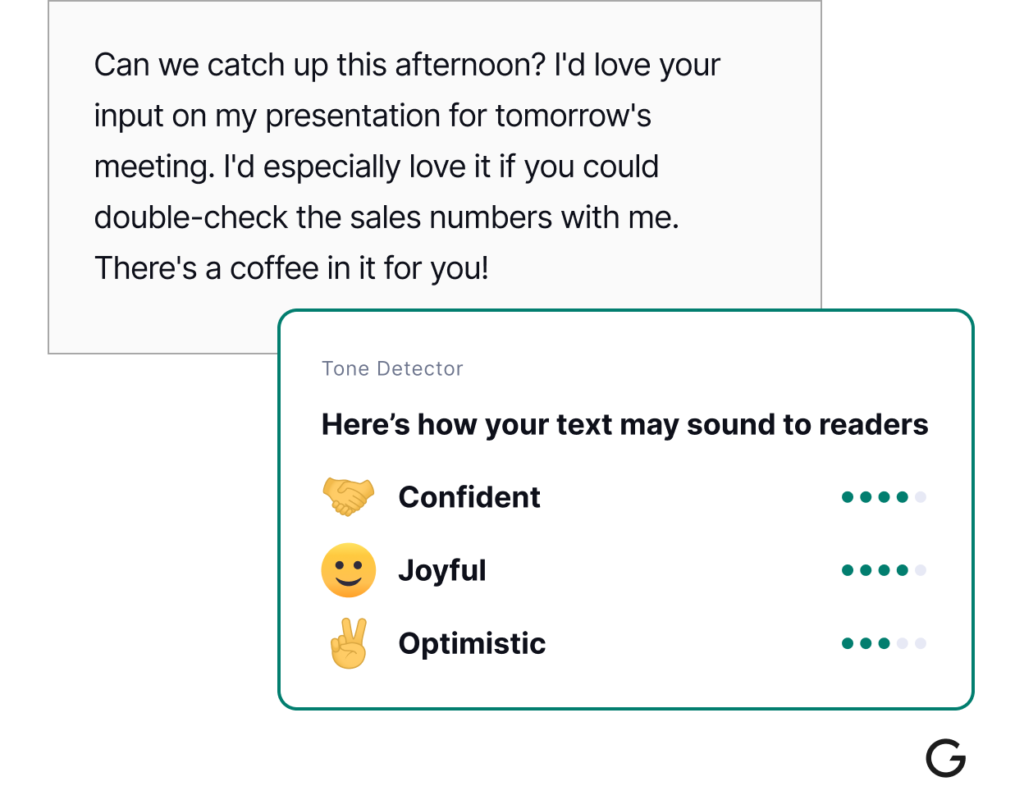
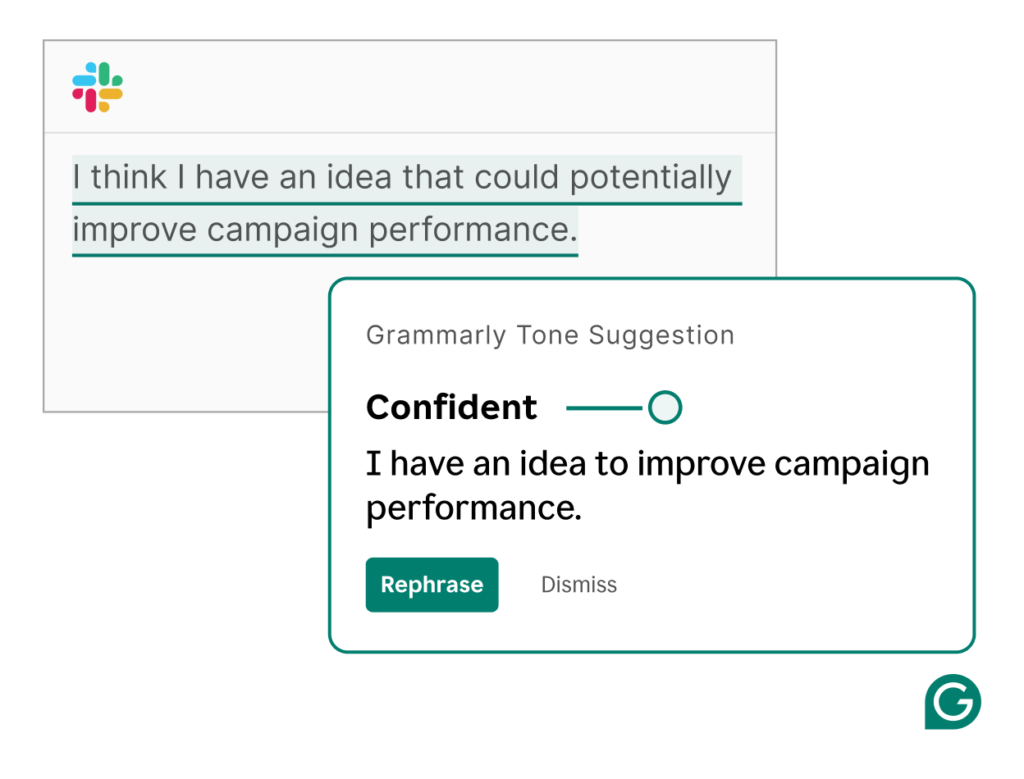
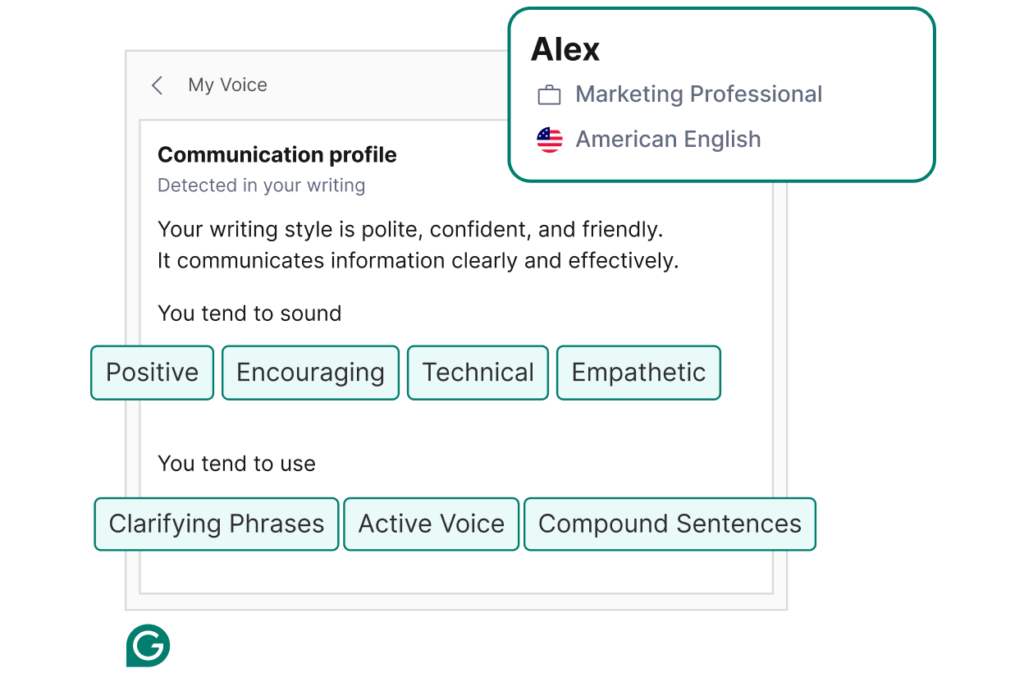
Grammarly AI offers tone indicators that describe how your message may be perceived. This is especially valuable in professional settings where tone influences impressions. You can adjust wording to ensure messages sound confident, courteous or persuasive depending on your goal.
Generative Assistance
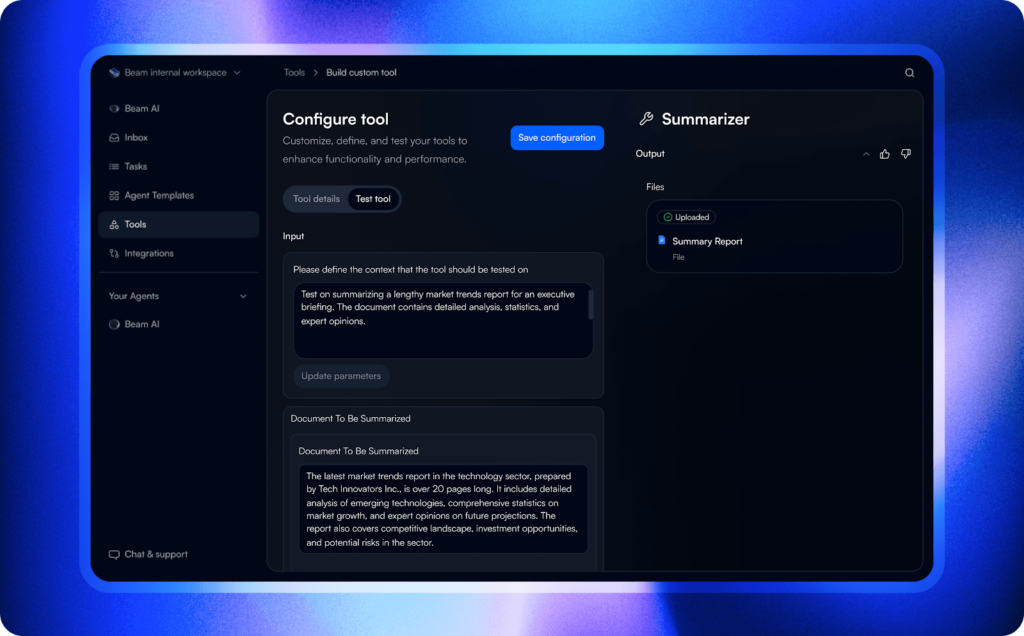
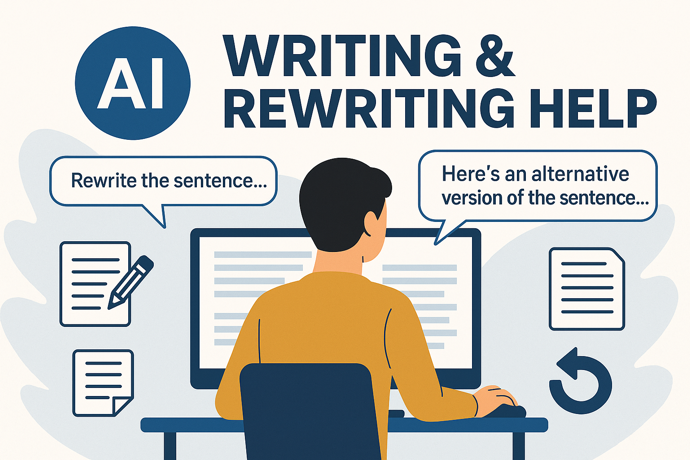
In addition to improving existing text, grammarly ai can help generate new content. This might include expanding a rough idea into a polished paragraph, rephrasing sentences for clarity, or suggesting alternative ways to convey complex concepts.
Integration Across Platforms
Grammarly AI works across many environments from web browsers to document editors and email clients. This makes it accessible without interrupting your established workflow.
Core Features Overview
When evaluating grammarly ai it helps to break down the core capabilities that matter to professionals.
Advanced Grammar And Clarity Suggestions
At its foundation grammarly ai improves grammar, punctuation and clarity. Its context aware suggestions help refine structure and wording based on intended meaning.
This matters because professional writing often requires more than simple error detection. It requires meaning that resonates with the reader.
Tone Detection And Adjustment
Professionals communicate with stakeholders across cultures, industries and seniority levels. Grammarly AI’s tone indicators help ensure your message lands as intended whether it is formal, neutral or persuasive.
Style And Professionalism Enhancements
The platform offers stylistic suggestions that align writing with professional standards. It can suggest stronger vocabulary, tighten sentences and improve readability.
Generative Rewrite And Expansion Tools
Grammarly AI does more than check text. It helps expand ideas, rephrase awkward sentences and suggest alternative structures based on your writing objectives.
Integration And Multiplatform Support
Grammarly AI works across browsers, email apps, document editors and communication platforms. This allows consistent assistance wherever you write.

Together these features support professionals at every stage of the writing process.
Key Benefits For Professionals
Features only deliver value when they produce meaningful outcomes. Grammarly AI’s primary benefits include:
Improved Quality Of Written Communication
By offering context aware suggestions, grammarly ai helps professionals produce writing that is clear, accurate and polished.
Increased Confidence In Messaging
Tone indicators and suggestion guides help you communicate intentions with confidence. This reduces ambiguity and supports stronger internal and external communication.
Time Savings In Editing And Drafting
Instead of spending excessive time editing or rewriting, you can accelerate writing workflows with AI assistance. This frees time for strategic tasks.
Consistent Professional Standards
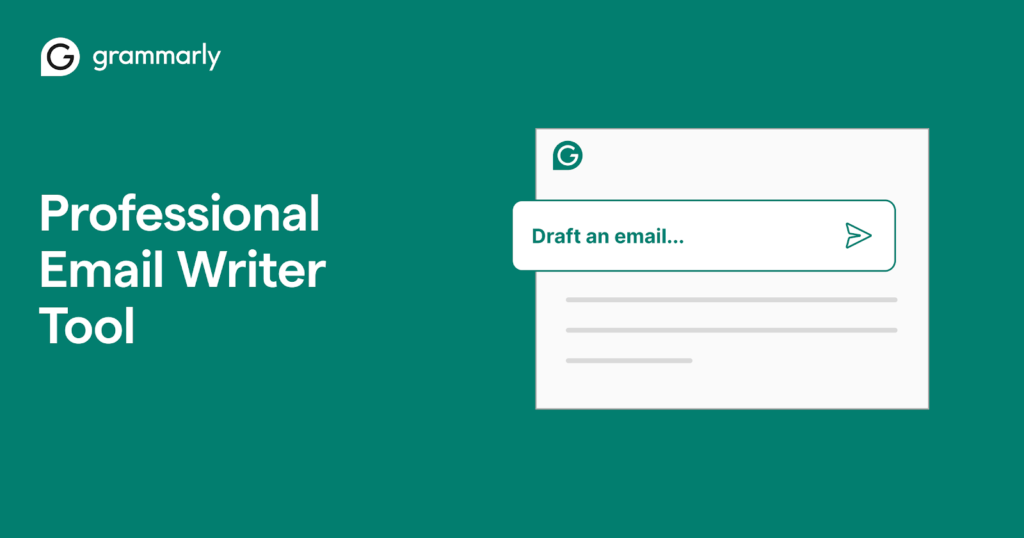
Whether you are drafting an email to a client or preparing internal documentation, grammarly ai ensures a consistent level of professionalism across all written output.
For professionals whose work depends on written clarity and impact, these benefits translate into real productivity gains.
Who Should Use This Software
Grammarly AI is well suited for a wide range of professionals including:
• Business leaders and executives
• Project managers
• Consultants and analysts
• Marketing and communications specialists
• Human resources professionals
• Sales and customer success teams
Anyone whose work involves writing emails, reports, proposals or external communication can benefit from grammarly ai.
While professionals with editorial expertise may refine text independently, grammarly ai adds speed, consistency and context aware insights that elevate quality with less effort.
Use Cases And Real World Scenarios
Practical examples highlight how grammarly ai supports business workflows.
Internal And External Communication
A manager uses AI suggestions to polish internal updates and client facing emails, reducing misunderstandings and improving professionalism.
Proposal Drafting And Refinement
A consultant uses grammarly ai to draft parts of a client proposal, then refine the tone to match organizational style and expectations.
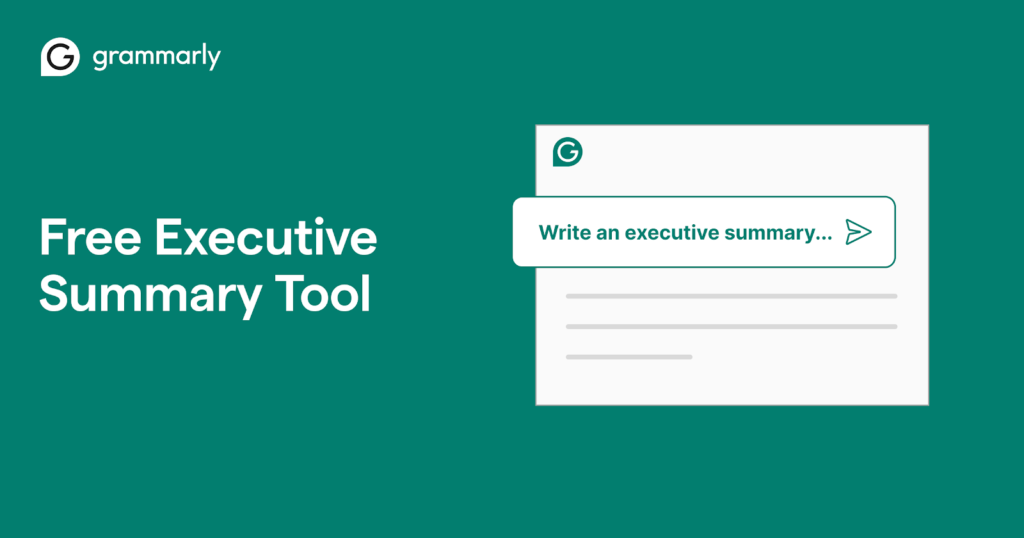
Report Summaries And Executive Briefs
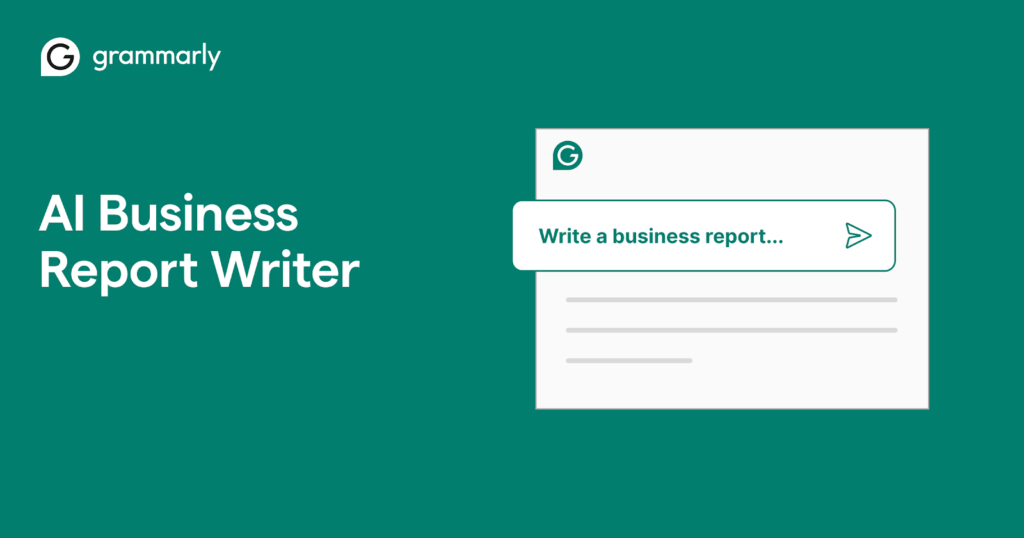
Professionals handling complex reports use generative assistance to convert data heavy sections into concise, readable summaries for leadership audiences.
These real world scenarios show how grammarly ai enhances both efficiency and effectiveness in writing workflows.
User Experience And Interface
The user experience of grammarly ai is centered on accessibility and usability.
Novice writers will find the interface intuitive, with suggestions presented clearly as you type. The tone indicator, edit suggestions and rewriting options are easy to apply without interrupting workflow.
Integration with web browsers and document editors allows users to receive feedback wherever they write. This lowers barriers and helps create consistent habits across tools.
While some advanced features may take exploration to master fully, the core experience is approachable for professionals of all skill levels.
Pricing And Plans Overview
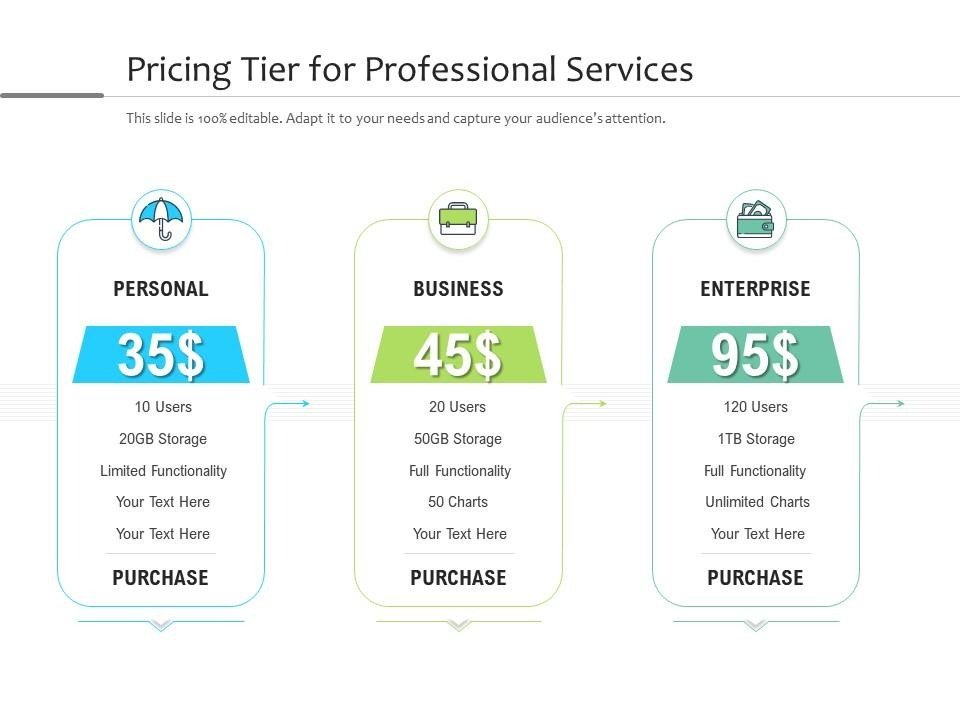
Grammarly AI is typically offered as part of Grammarly’s subscription tiers that include basic grammar checking and enhanced AI powered suggestions.
When evaluating pricing, professionals should consider:
• Depth of AI writing support needed
• Frequency and volume of writing tasks
• Multiplatform requirements
• Team or individual use
For professionals whose productivity relies heavily on written communication, the time saved and quality improvements often justify the investment.
Pros And Cons
A balanced assessment helps professionals understand the true value.
Pros
• Context aware suggestions that improve meaning not just grammar
• Tone detection that aligns messaging with intent
• Generative rewrite and expansion support
• Works across multiple writing environments
Cons
• AI output still requires human review for accuracy
• Some advanced features may be complex at first
• Subscription cost may feel high for occasional users
Professionals should weigh these trade offs based on writing frequency, quality requirements and budget.
Comparison With Similar Tools
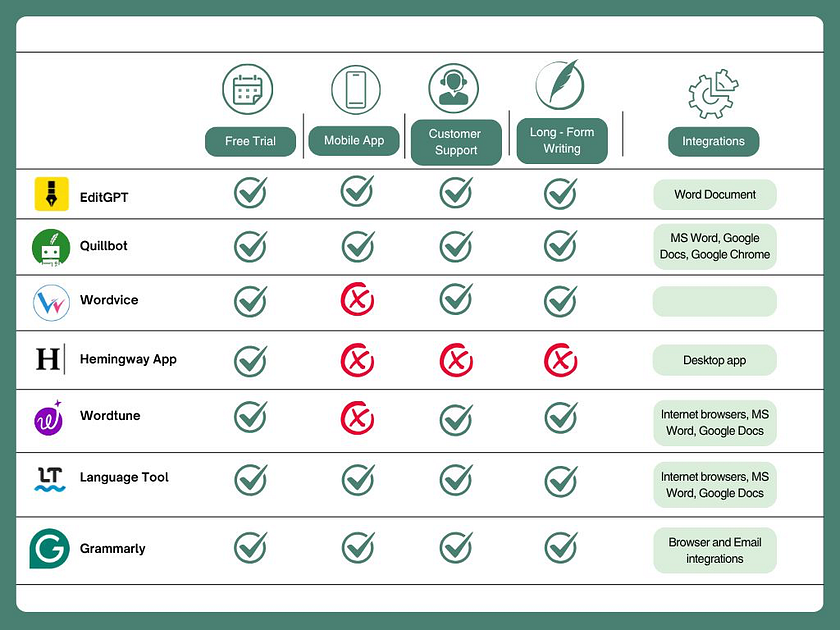
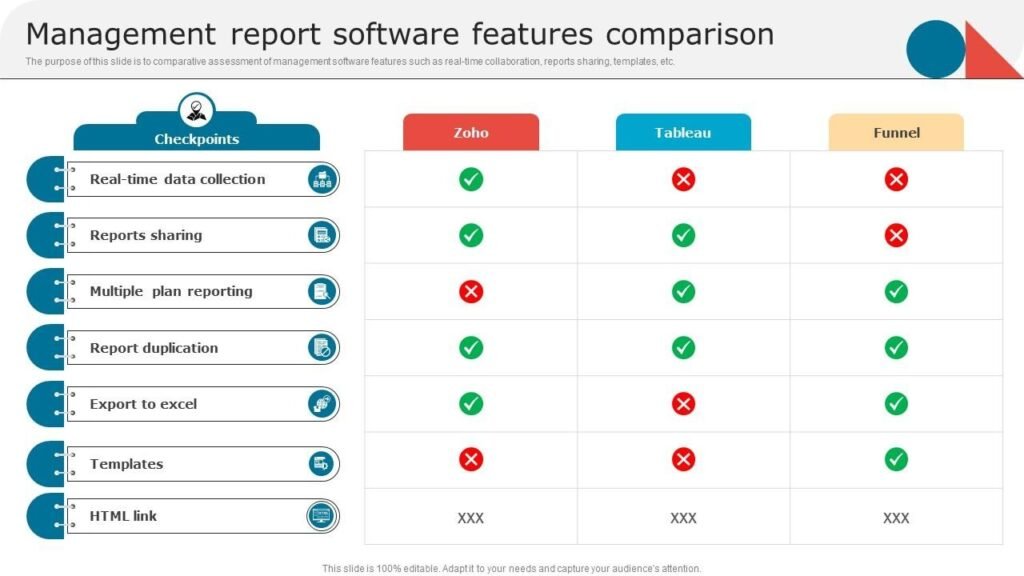
When compared to basic grammar correction tools, grammarly ai offers far more powerful assistance. It not only corrects errors but also improves clarity, tone and structure.
Compared to enterprise writing assistants, grammarly ai may lack deep industry specific models but its general purpose intelligence makes it highly versatile across contexts.
For professionals seeking simple spell checkers, alternatives may suffice. But for high stakes communication, grammarly ai delivers broader value.
Buying Considerations For Professionals
Before adopting grammarly ai, professionals should reflect on:
Frequency Of Writing Tasks
Will you use the tool daily weekly or occasionally
Integration Needs
Do you write primarily in email clients document editors or online platforms
Quality Expectations
Are you seeking basic corrections or deep refinement and stylistic improvement
Budget And Value Alignment
How does subscription cost compare with the expected productivity and quality benefits
Clear criteria help ensure the tool matches real professional needs.
Security Privacy And Compliance
Professional use often involves sensitive communication. Grammarly AI handles data according to privacy standards outlined in its documentation.
Professionals should review:
• How data is stored and processed
• Whether drafts or text inputs are retained
• Any compliance relevant to their industry
Understanding privacy policies ensures responsible use.
Support And Documentation
Grammarly provides help resources including:
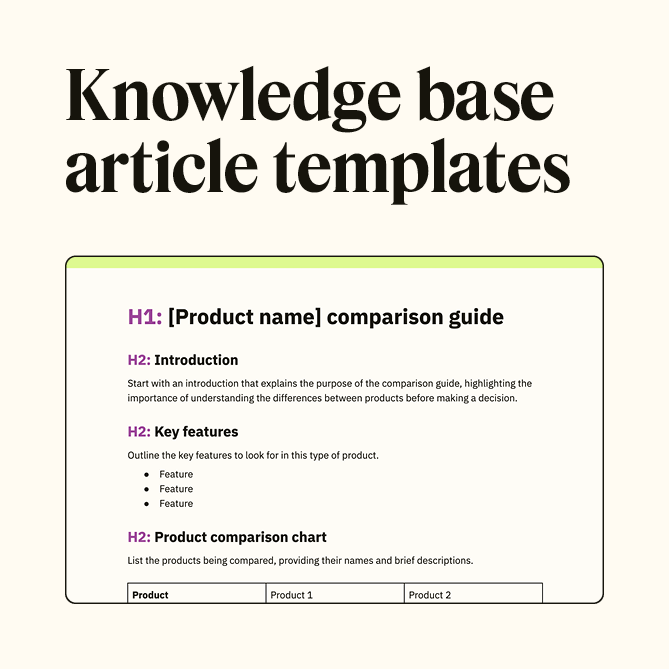
• Knowledge base articles
• Onboarding guides
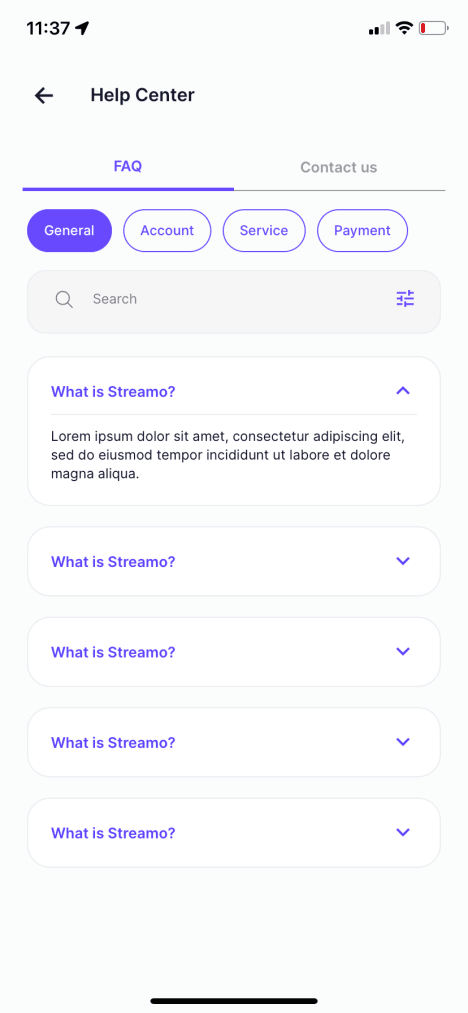
• FAQ sections
• Customer support channels
These materials help professionals get the most from the platform, understand features and troubleshoot issues.

Final Verdict
Grammarly AI is a powerful, context aware writing assistant that elevates professional communication. Its strength lies in intelligent suggestions that go beyond grammar corrections and support tone clarity structure and expressive refinement.
For professionals whose work depends on effective written communication, grammarly ai can save time, improve outcomes and reduce editing burden. While not a substitute for human expertise, it functions as a reliable collaborator that enhances writing quality and consistency.
If you are evaluating tools to strengthen your communication workflows grammarly ai deserves serious consideration, particularly when writing quality influences results and reputation.
Frequently Asked Questions
Is Grammarly AI Good For Business Writing
Yes grammarly ai excels at refining professional communication and targeting clarity and tone.
Can Grammarly AI Improve Tone And Style
Yes it offers tone indicators and stylistic suggestions tailored to goals.
Do I Need Technical Skill To Use Grammarly AI
No basic usage is intuitive and accessible to professionals of all levels.
Does Grammarly AI Work Across Platforms
Yes it integrates with browsers, document editors and email clients.
Is Grammarly AI Worth The Cost For Professionals
If written communication is central to your work the quality and productivity benefits often justify the subscription investment.