
Pixverse AI Review What Creators Should Know Before Using It

Short form video is dominating digital platforms. From social media marketing to storytelling and entertainment, creators are under pressure to produce visually engaging videos quickly and consistently.
Traditional video production requires editing skills, animation knowledge, and significant time investment. For many independent creators and small teams, that level of production is not sustainable at scale.
This is where pixverse ai enters the conversation.
In this pixverse ai review, we explore how the platform enables creators to generate AI powered videos from text prompts and images. The goal is to simplify video creation while maintaining visual impact.
The problem it solves is straightforward. High quality video production is expensive and time consuming. Pixverse ai lowers the technical barrier, allowing creators to generate dynamic content without advanced editing software.
It is designed for content creators, marketers, social media managers, and digital storytellers who want faster creative output.
What Is Pixverse AI
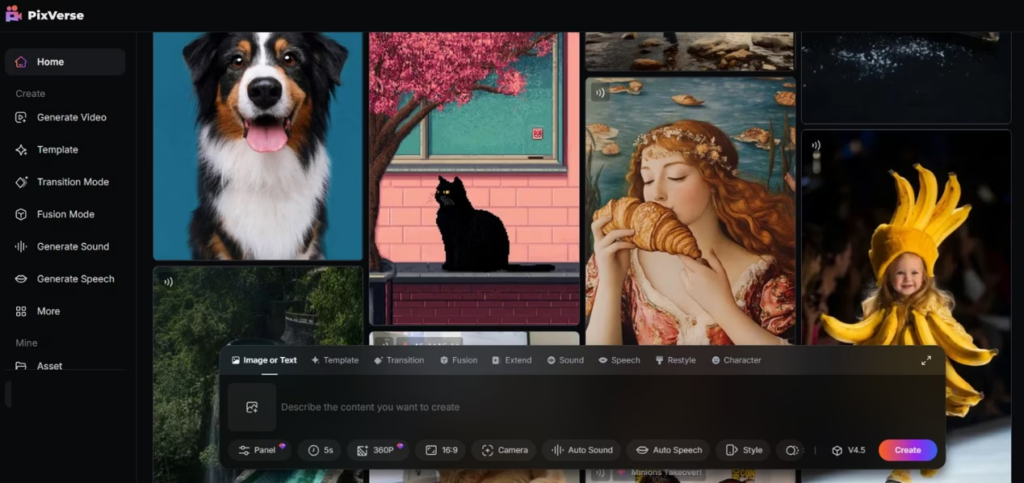
Pixverse is an AI driven video generation platform that transforms text prompts or visual inputs into animated video content. Users provide instructions, and the system generates short cinematic style clips using generative AI models.
Within the broader SaaS ecosystem, pixverse ai operates in the AI video creation segment. It overlaps with creative automation tools and generative media platforms.
Unlike traditional video editors that require manual timeline control, pixverse ai focuses on automation. It allows creators to describe a scene and receive a ready to use video clip.
For creators who prioritize speed and experimentation, pixverse ai offers a modern alternative to conventional editing workflows.
How Pixverse AI Works
Understanding how pixverse ai works helps creators evaluate its practical value.
Step One Enter A Text Prompt
Users describe the desired scene, style, or action. For example, cinematic sunset over mountains with soft camera movement.
Step Two Select Visual Style
Some versions allow users to choose animation styles, motion effects, or thematic filters.
Step Three AI Video Generation
The platform processes the prompt and generates a short video clip based on generative modeling.
Step Four Preview And Refine
Users can regenerate variations or adjust prompts for improved results.
Step Five Export And Publish
The final clip can be downloaded and integrated into social media posts, ads, or storytelling projects.
The workflow emphasizes rapid experimentation. Instead of spending hours animating, creators can test multiple concepts within minutes.
Core Features Overview
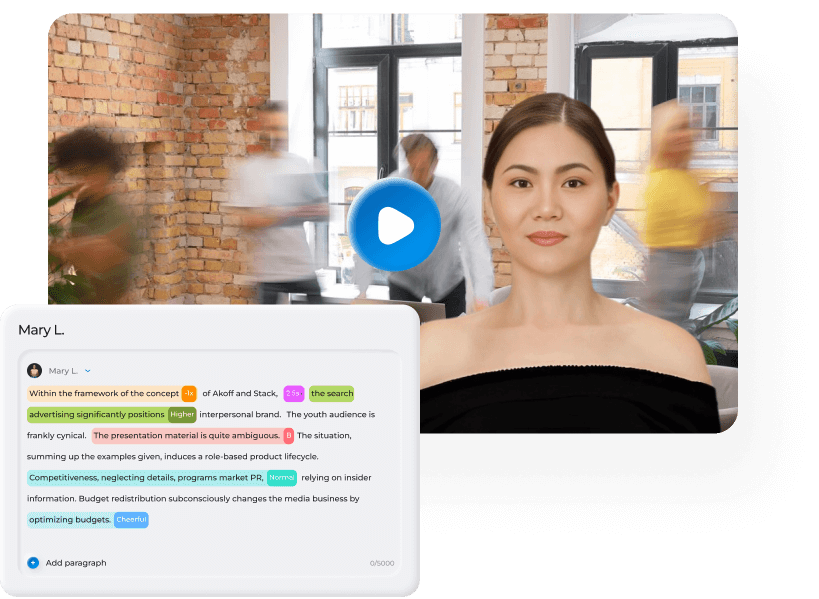
Pixverse ai delivers several key features tailored to visual creators.
Text To Video Generation
The primary feature converts descriptive prompts into short animated videos.
Why it matters: Lowers the barrier for non technical users.
Style Customization
Users can experiment with different visual aesthetics and motion effects.
Why it matters: Enables brand alignment and creative diversity.
Fast Iteration
Creators can regenerate clips quickly with modified prompts.
Why it matters: Encourages experimentation without high production cost.
Short Form Optimization
Generated videos are typically designed for social media friendly durations.
Why it matters: Aligns with modern content consumption habits.
Each feature supports the needs of digital first creators.
Key Benefits For Users
Creators evaluate tools based on efficiency and creative flexibility.
Rapid Content Production
Pixverse ai enables creators to generate engaging video clips in minutes.
Cost Efficiency
No need for expensive animation software or large production teams.
Creative Exploration
Users can test imaginative concepts that would otherwise require complex production.
Social Media Scalability
Short videos can be produced consistently to maintain posting frequency.
Accessibility For Beginners
No prior animation or editing experience is required.
The primary benefit is speed combined with creative possibility.
Who Should Use This Software
Pixverse ai is best suited for creators focused on visual storytelling and short form content.
Social Media Influencers
Creators who need frequent visual content for platforms benefit from rapid generation.
Digital Marketers
Marketers can create attention grabbing ad creatives quickly.
Small Creative Agencies
Agencies serving multiple clients can produce concept visuals efficiently.
Indie Filmmakers And Artists
Artists experimenting with visual narratives can prototype scenes using AI.
Large production studios may still require advanced post production tools, but pixverse ai serves as a powerful ideation engine.
Use Cases And Real World Scenarios
Scenario One Social Media Campaign
A fashion brand wants visually dynamic background clips for product launches. Pixverse ai generates abstract cinematic visuals that enhance engagement.
Result: Faster campaign rollout and stronger visual identity.
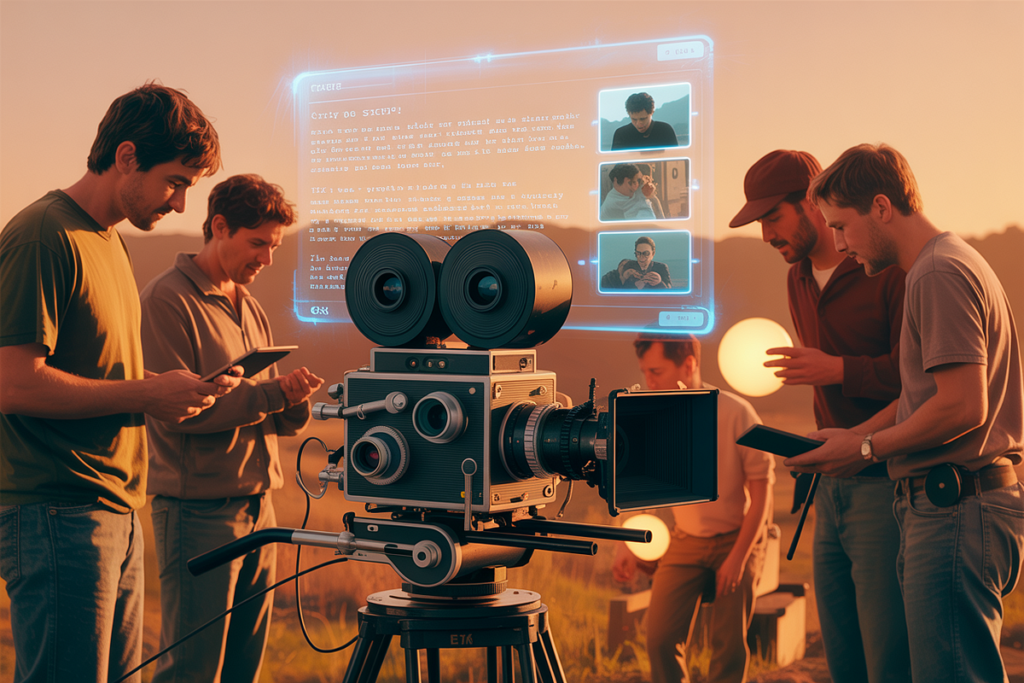
Scenario Two Concept Testing For Film
An independent filmmaker visualizes a scene concept using AI generated clips before full production.
Result: Reduced pre production costs.
Scenario Three Paid Advertising
A small ecommerce store creates animated background videos for social ads without hiring motion designers.
Result: More eye catching ads at lower cost.
These examples highlight practical and scalable use cases.
User Experience And Interface
Ease of use is central to pixverse ai.
The platform offers a straightforward prompt based interface. Users enter descriptions and review generated results in a preview window.
The learning curve is low. However, mastering prompt writing can improve output quality.
The design emphasizes minimal complexity, making it accessible to creators without technical backgrounds.
Cloud based access supports remote workflows and quick sharing.
Pricing And Plans Overview
AI video platforms generally offer tiered subscription models.
Pixverse ai may structure pricing based on generation limits, resolution quality, or export features.
Entry level plans typically support casual creators, while higher tiers unlock advanced customization and higher output volume.
Before subscribing, creators should evaluate how frequently they need AI generated videos and whether resolution meets platform requirements.
Testing through available trial access can help determine fit.
Pros And Cons
A balanced pixverse ai review must include advantages and limitations.
Pros
Fast text to video generation
User friendly interface
Encourages creative experimentation
Suitable for short form content
Accessible to beginners
Cons
Limited detailed editing control
Output quality may vary based on prompt clarity
Not a replacement for full professional video production
Professional video editors may require additional post production tools for polished results.
Comparison With Similar Tools
Pixverse ai operates in the AI video generation space alongside platforms such as Runway and Pika Labs.
Runway offers advanced AI video editing and generative features with deeper creative controls.
Pika Labs focuses on text to video generation for cinematic style outputs.
Pixverse ai differentiates itself through ease of use and rapid iteration designed for everyday creators.
When choosing between tools, consider desired control level and project complexity.
Buying Considerations For Decision Makers
Before adopting pixverse ai, creators should assess several factors.
Content Frequency
High frequency publishers gain the most value from rapid generation tools.
Visual Quality Requirements
Evaluate whether output meets branding and resolution standards.
Workflow Integration
Ensure compatibility with editing software or publishing platforms.
Budget Allocation
Compare subscription costs with traditional production expenses.
Reviewing SaaS case studies that highlight engagement improvements can support investment decisions.
Security Privacy And Compliance
AI video tools process user prompts and uploaded assets.
Creators should review privacy policies and understand how data is stored or used.
Businesses handling sensitive client projects should confirm data security standards.
Transparent governance builds trust among professional users.
Support And Documentation
Reliable support enhances the creator experience.
Pixverse ai provides tutorials and help documentation to assist users with prompt writing and troubleshooting.
Responsive customer support is valuable for creators operating under tight content schedules.
Comprehensive resources improve onboarding and long term satisfaction.
Final Verdict
This pixverse ai review highlights a fast and accessible AI video generation tool designed for modern creators.
Its strengths lie in simplicity, rapid content production, and creative experimentation. For social media creators, marketers, and digital storytellers seeking scalable short form visuals, pixverse ai offers meaningful efficiency gains.
It may not replace professional video production for high budget cinematic projects. However, as an ideation and rapid content engine, it delivers practical value.
For creators in competitive digital markets who need consistent visual output, pixverse ai represents a forward thinking addition to the modern creative toolkit.
Frequently Asked Questions
Is Pixverse AI Suitable For Beginners
Yes. The interface is prompt based and easy to use.
Can Pixverse AI Replace Traditional Video Editing Software
It complements rather than replaces full editing suites.
Is Pixverse AI Good For Social Media Content
Yes. It is optimized for short form video creation.
Does Pixverse AI Offer Commercial Usage Rights
Users should review licensing terms based on their subscription plan.
Can Pixverse AI Scale For Agencies
Yes. Agencies producing high volumes of short form content can benefit from automated generation.